See Our Holiday Hours

Zebra OCR and DPM Mobile Computers for Serial Number Capture

Capture printed, etched, engraved and dot-peened serial numbers and Direct Part Mark barcodes using Zebra mobile computers and rugged tablets.

Many industrial parts do not have a traditional barcode label.

Instead, the part may have a:

  • Printed serial number
  • Laser-etched number
  • Engraved or stamped identification
  • Dot-peened serial number
  • Direct Part Mark, or DPM, Data Matrix barcode

Selected Zebra mobile computers and rugged tablets can capture these markings electronically, helping reduce manual data entry and improve accuracy in manufacturing, maintenance, warehouse and field-service applications.

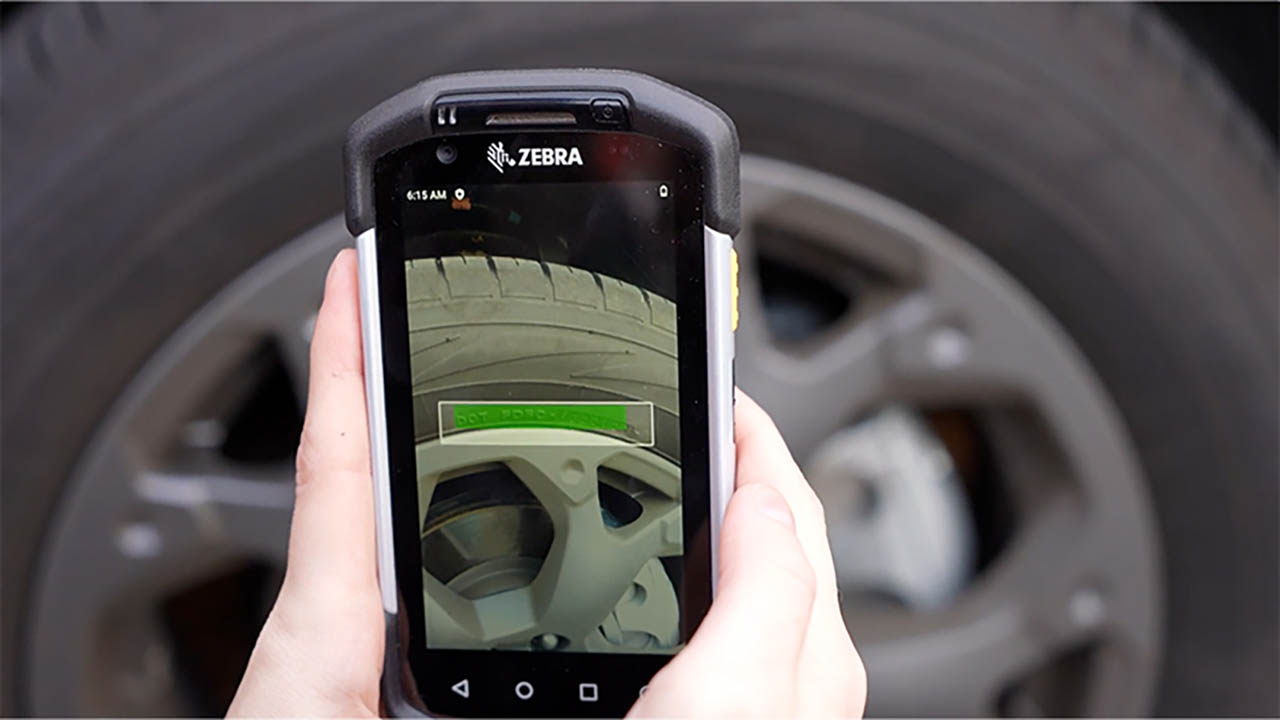
Zebra OCR and DPM serial number capture application
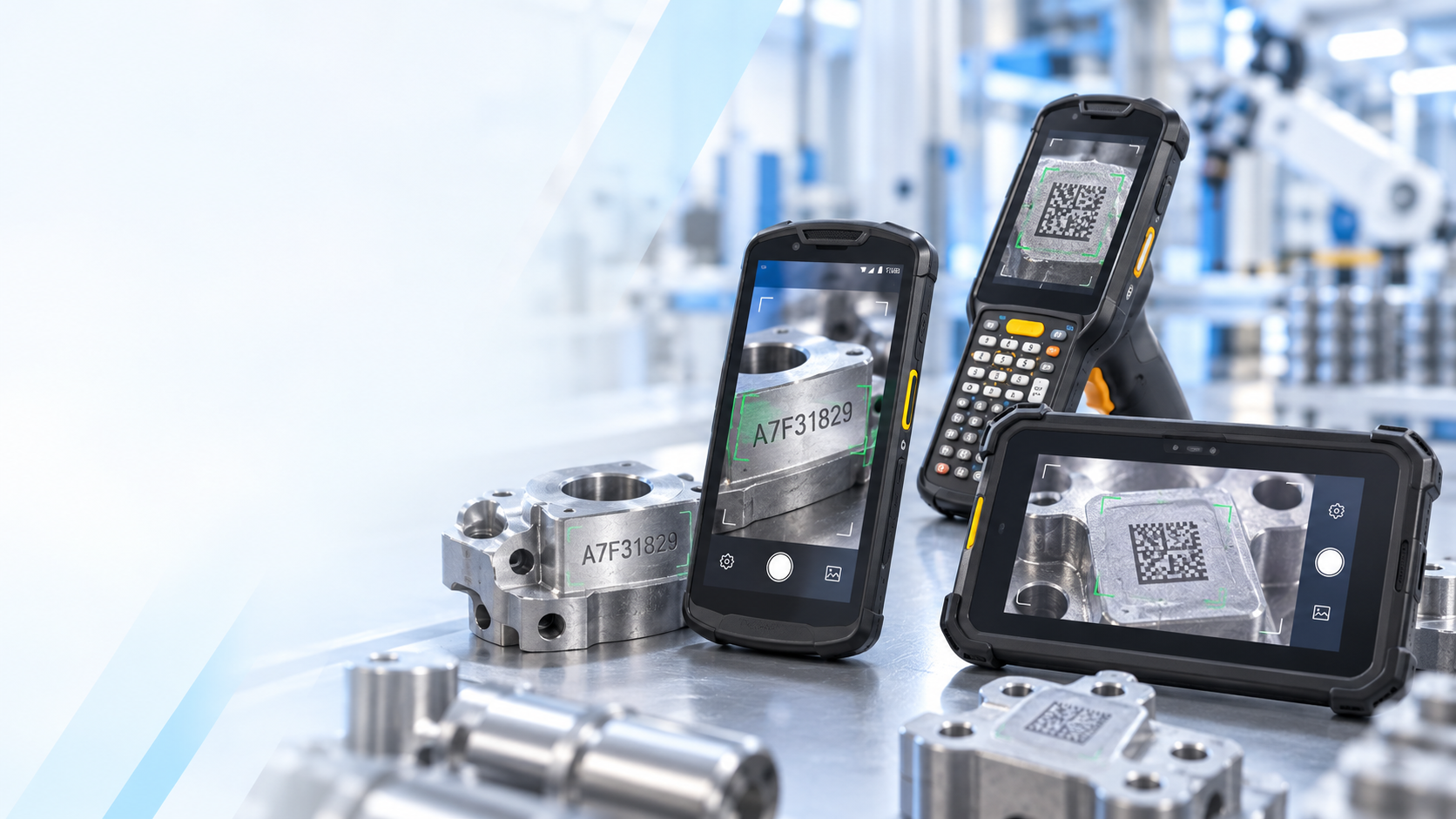
Examples of Zebra OCR and DPM serial number capture

Barcode Factory can help determine whether your application is best suited for OCR, AI-based OCR, standard barcode scanning or DPM barcode capture.

Zebra OCR for Serial Number Capture

OCR, or Optical Character Recognition, allows a Zebra device to read visible letters and numbers instead of requiring a barcode.

For example, a part may contain:

SERIAL: AB23984751

A Zebra mobile computer can capture the characters and enter:

AB23984751

directly into an ERP, WMS, maintenance, manufacturing or inventory application.

This can eliminate the need for an operator to manually type long serial numbers.

Zebra Devices That Can Support OCR Applications

Depending on the application, OCR and part-mark capture can be performed using Zebra:

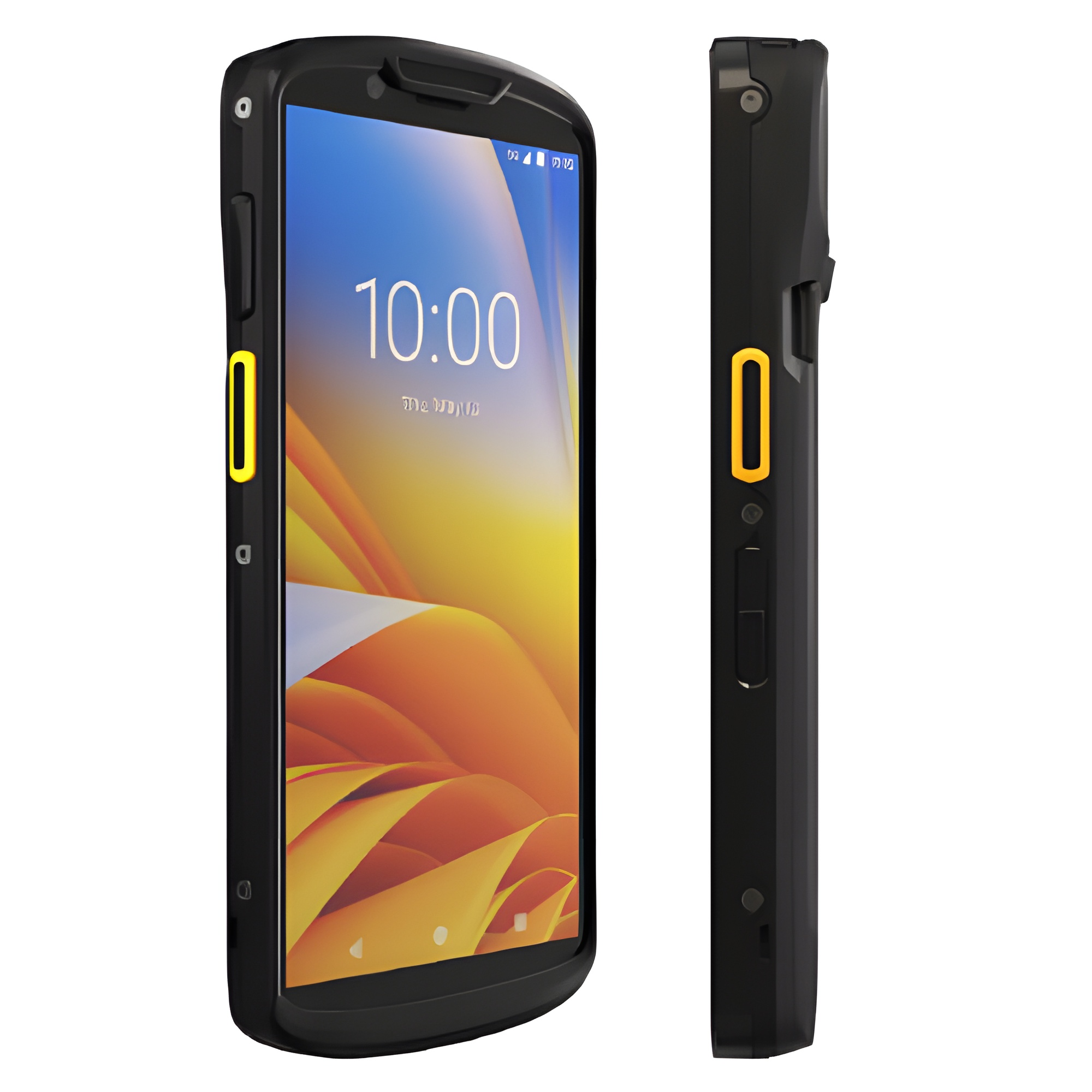
Zebra TC Series mobile computer

TC Series Mobile Computers

Devices such as the Zebra TC53, TC58, TC73 and TC78 combine enterprise barcode scanning, cameras and Zebra data-capture software in a handheld touchscreen device.

They are a strong choice when workers need to capture both barcodes and serial-number text.

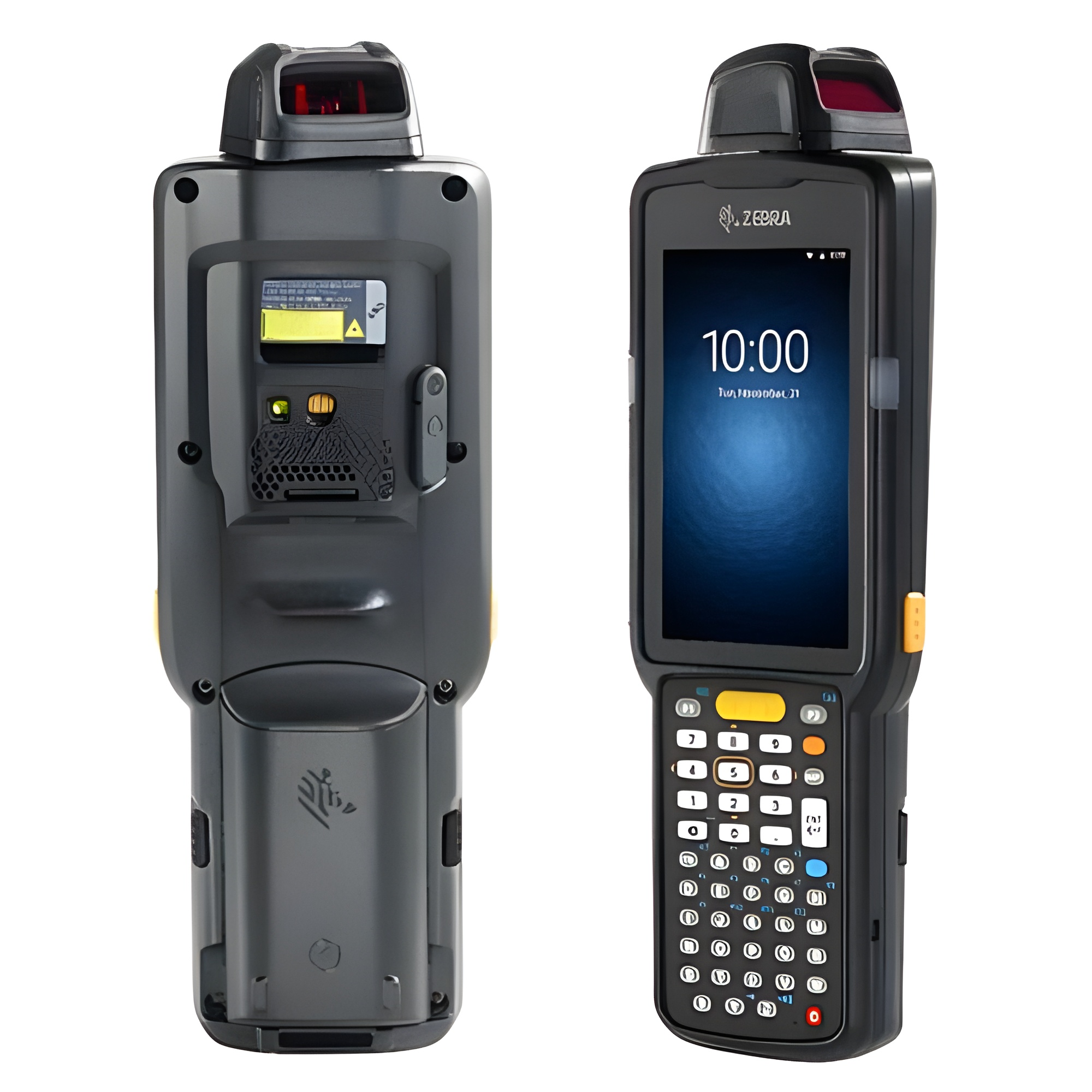
Zebra MC Series mobile computer

MC Series Mobile Computers

Zebra MC Series devices are designed for more demanding warehouse and manufacturing environments.

Models with keypads, pistol grips or specialized scan engines may be preferable where workers are wearing gloves or performing repetitive data capture.

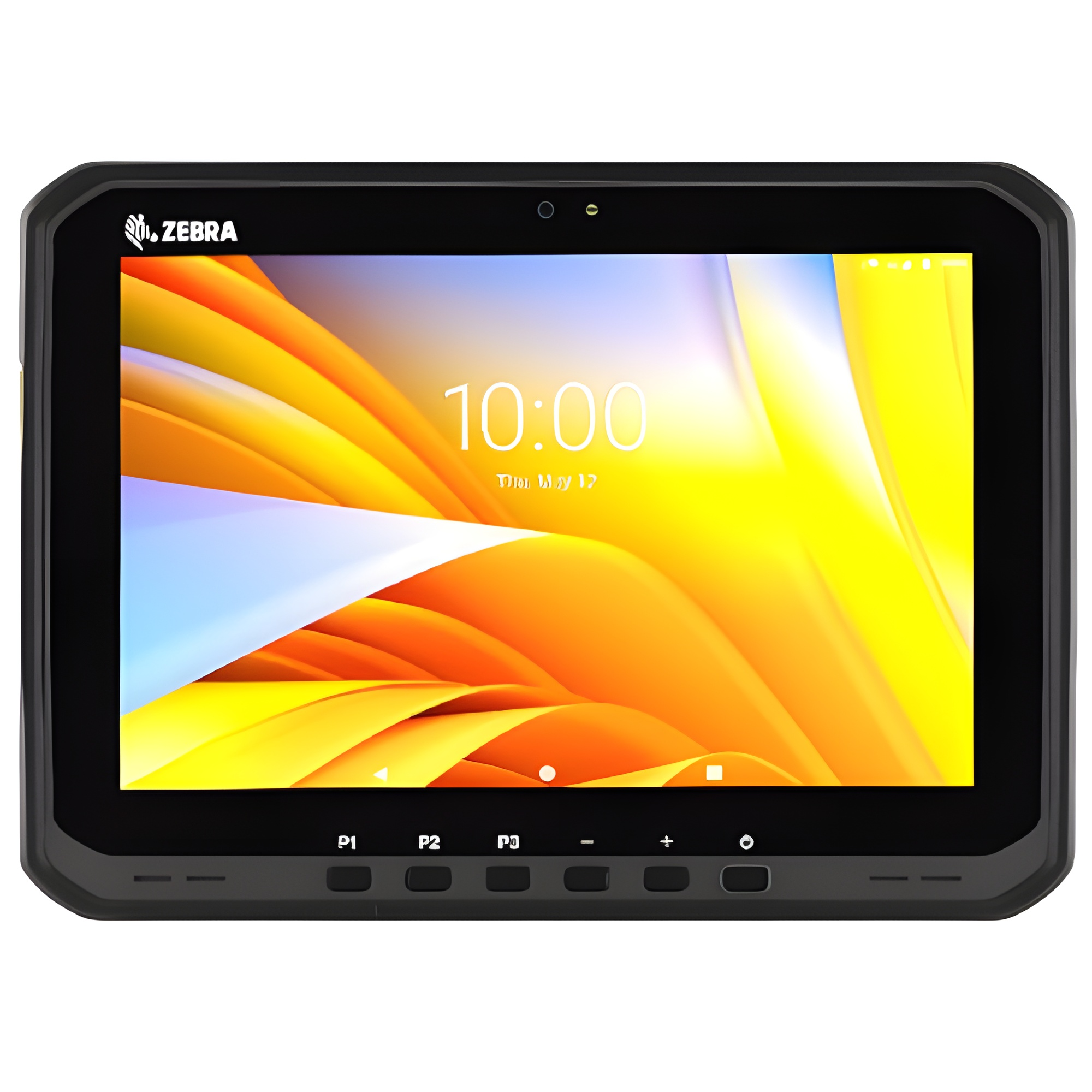
Zebra ET60 and ET65 rugged tablets

Zebra Rugged Tablets

Zebra rugged tablets can also be part of an OCR solution.

Models such as the Zebra ET60, ET65, ET60W and ET65W provide larger screens while maintaining rugged construction and enterprise data-capture capabilities.

Rugged tablets are particularly useful where the worker needs to:

  • Capture serial numbers or part information
  • View drawings or service manuals
  • Complete inspection forms
  • Access ERP or maintenance systems
  • Take photographs
  • Enter additional information on a larger display

For maintenance, field service and manufacturing applications, a Zebra rugged tablet can combine data capture and application access in one device.

OCR vs. DPM Barcode Scanning

OCR and DPM are related, but they are not the same.

OCR Reads Characters

OCR recognizes visible text such as: SN A48392017. The characters may be printed, etched, engraved or dot-peened.

DPM Reads a Barcode Marked Directly on the Part

Direct Part Marking usually refers to a Data Matrix barcode that has been laser-etched, chemically marked or dot-peened directly into metal, plastic or another material.

DPM barcodes can be more difficult to read than printed barcode labels because of:

  • Reflective surfaces
  • Low contrast
  • Curved parts
  • Shallow markings
  • Irregular dot-peen patterns
  • Dirt and wear

For difficult DPM barcode applications, a Zebra device with a DPM-specific scan engine may be required.

Important

A dot-peened serial number made from letters and numbers is an OCR application.

A dot-peened Data Matrix barcode is a DPM barcode application.

The correct Zebra hardware can be different for each.

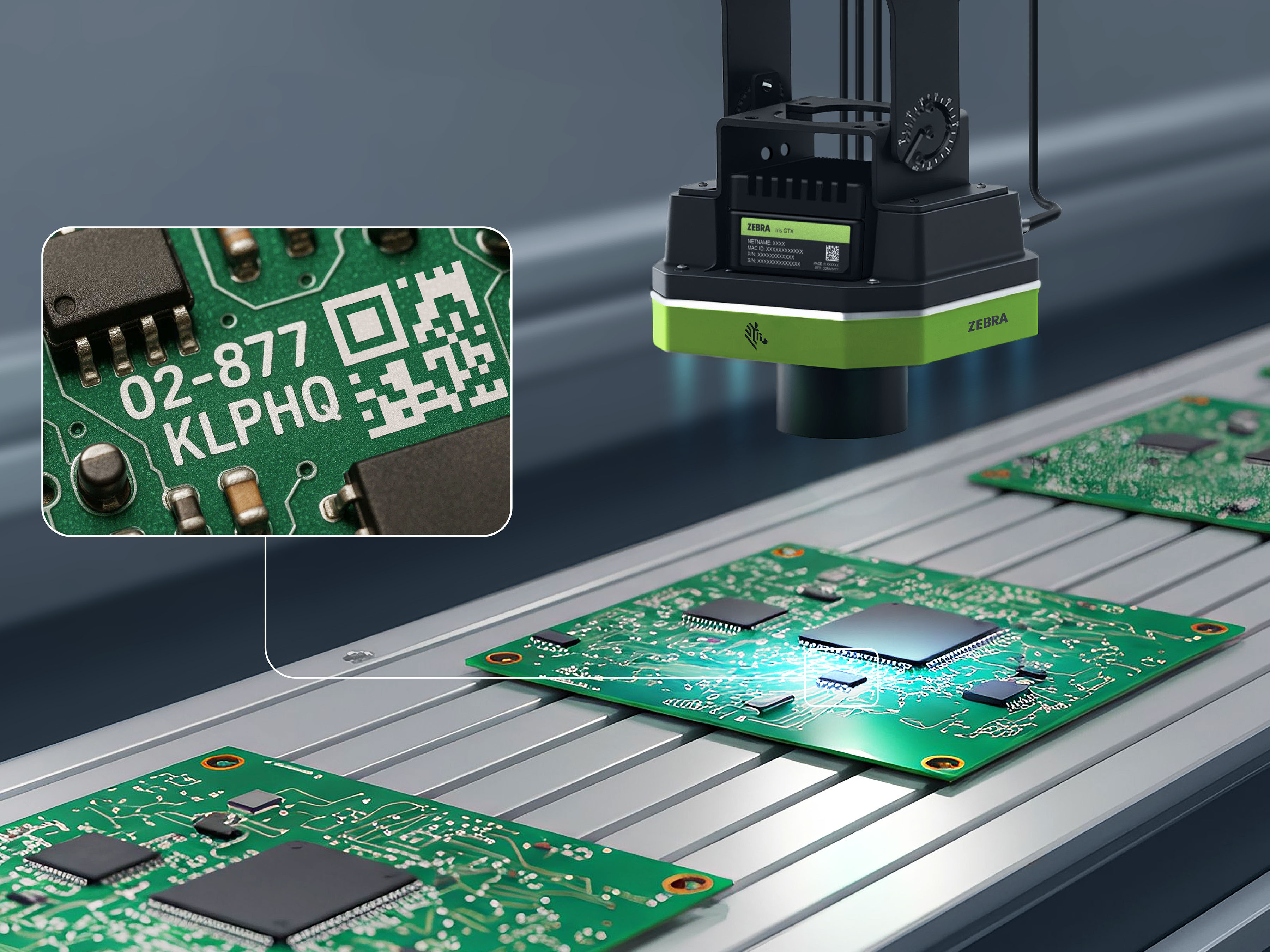
Industrial scanner reading part markings in an automated production environment

Zebra DataWedge Can Send OCR Data Into Your Existing Application

One of the advantages of Zebra enterprise devices is DataWedge.

DataWedge can take captured information and send it into the active software field much like keyboard entry or a traditional barcode scan.

A typical workflow can be:

Operator places the cursor in the Serial Number field.
Operator aims the Zebra device at the serial number.
OCR recognizes the characters.
The serial number is entered directly into the application.
DataWedge can optionally send Enter or Tab to move to the next field.

In many cases, this allows OCR to work with an existing application without completely redesigning the customer's software.

Explore Zebra software solutions.

Zebra AI OCR for Difficult Serial Numbers

Some industrial markings are more difficult than standard printed text.

Examples include:

  • Dot-peened serial numbers
  • Laser-etched characters on metal
  • Low-contrast markings
  • Engraved numbers
  • Worn or scratched characters

Zebra also offers AI-based Text OCR designed for more challenging text-recognition applications, including dot-peen characters and certain Direct Part Marking text applications. For difficult serial-number capture, AI OCR may provide better recognition than conventional OCR.

Selecting the Correct Zebra Device

There is no single Zebra device that is best for every OCR or DPM application.

The correct configuration depends on:

  • Type of marking
  • Character size
  • Barcode type
  • Material and surface
  • Working distance
  • Lighting
  • Whether the surface is reflective
  • Whether workers need a handheld or tablet
  • Whether conventional OCR or AI OCR is required
  • Whether the mark is text or an actual DPM barcode

The specific scan engine, camera and software configuration can be just as important as the device model.

Barcode Factory can also help evaluate the broader barcode scanning solution when the application includes both traditional barcodes and part markings.

Test Your Actual Parts Before Deployment

OCR and DPM performance should always be tested using the customer's real parts.

A serial number that is easy for a person to read may still be difficult for a camera because of reflections, angle or poor contrast.

Barcode Factory recommends testing several representative samples, including the most difficult markings.

We can evaluate:

  • Printed serial numbers
  • Laser-etched numbers
  • Engraved or stamped characters
  • Dot-peened serial numbers
  • DPM Data Matrix barcodes
  • Standard printed barcodes

This allows us to recommend the appropriate Zebra TC Series, MC Series or rugged tablet configuration before a larger rollout.

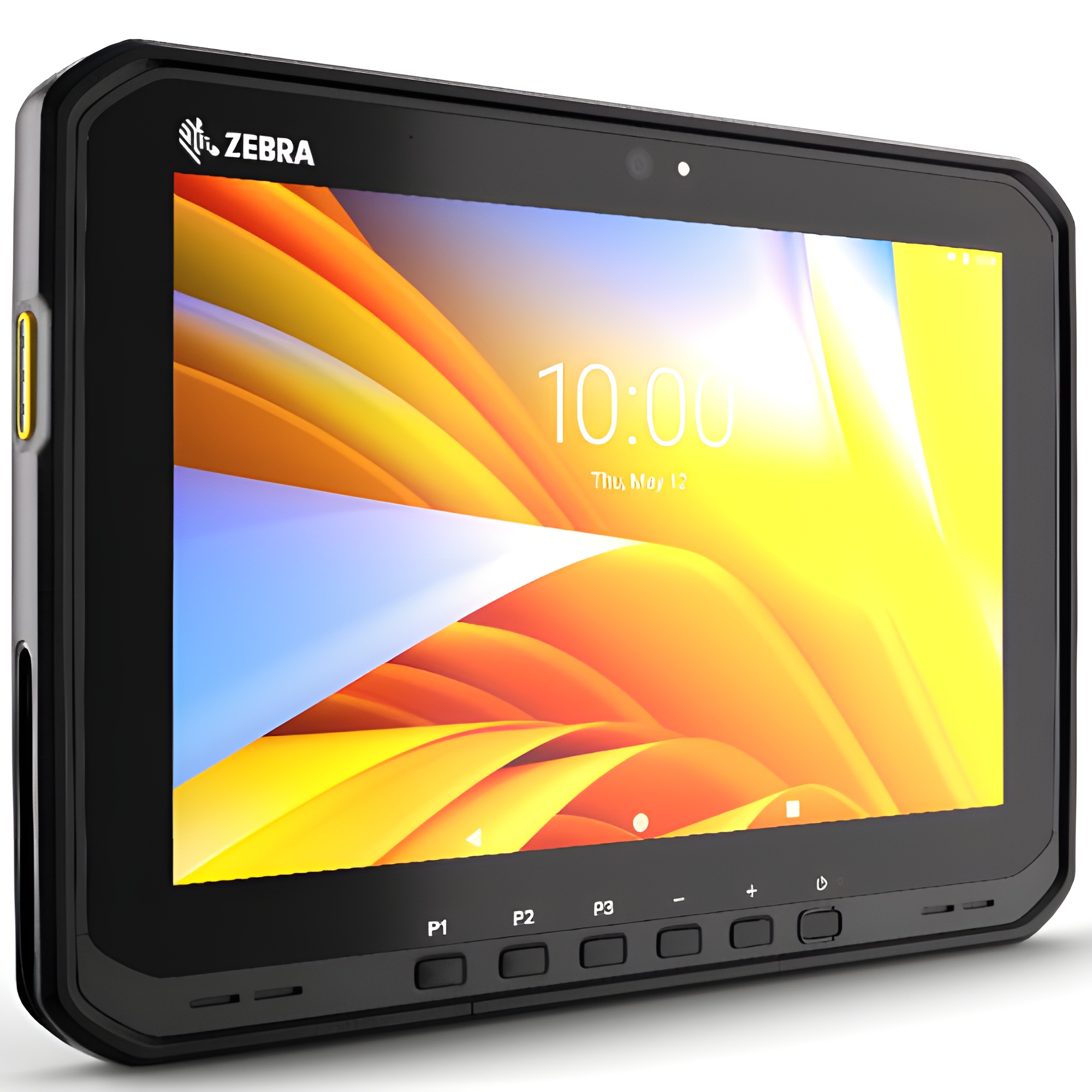
Zebra ET60 and ET65 rugged tablet for OCR and part-mark capture

From Fortune 500 companies to your small business, 125,000+ companies trust our products, service, and support.

  • Parker
  • Boeing
  • UPMC
  • Intel
  • GE
  • Thermo Scientific
  • Amazon
  • Google
  • Giant Eagle
  • Ford
  • Tesla
  • USPS

Our Top Partners

Barcode Factory is a premier partner with the industry's leading hardware, media, and software providers. We give our customers access to proven products, services, and resources for labeling and data capture applications.

Shop by Brands
  • Zebra
  • Honeywell
  • Datalogic
  • SATO
  • TSC
  • Citizen Systems

Need to Capture Serial Numbers or DPM Codes?

If your workers are manually entering serial numbers from parts, Zebra mobile computers and rugged tablets may be able to automate the process.

Barcode Factory can help determine whether your application requires:

  • Standard barcode scanning
  • OCR
  • Zebra AI Text OCR
  • DPM barcode scanning
  • Zebra DataWedge configuration
  • Application integration

Send us photos or sample parts and we can help identify the best Zebra solution.

Ask Us to Test Your Part Markings

For more information or to discuss your project, Contact Us or call 888-237-8525.


All Fields Required