
Cables & Connectivity
Support communication between POS terminals, printers, scanners, displays, and other connected devices. Verify connector type, length, interface, and supported hardware.
Find Compatible AccessoriesSee Our Holiday Hours



Complete your point-of-sale setup with the accessories and peripherals that help your checkout hardware work together. From cables and mounts to keyboards and customer displays, BarcodeFactory can help you identify practical options for your workflow.
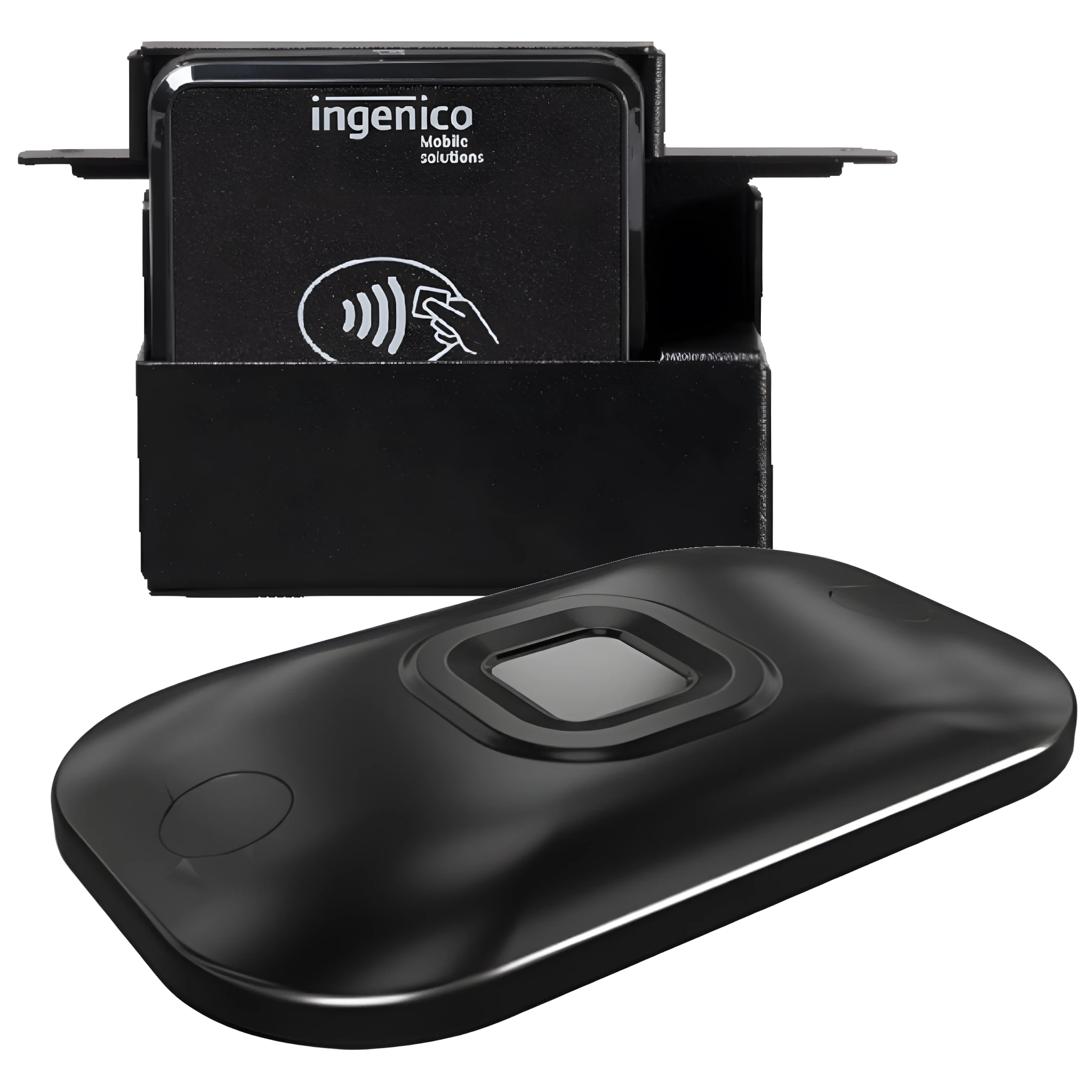
Accessories may be small parts of a checkout system, but choosing the right ones can help make a station easier to use, simpler to maintain, and better suited to its space.
Use suitable mounts, stands, and cable-management options to keep devices positioned neatly and within reach.
Add peripherals that make common tasks easier for employees and customers, based on how your POS system is used.
Match connectors, power requirements, mounting patterns, and device support before selecting an accessory.
The right selection depends on your POS terminal, peripherals, operating environment, and how your checkout station is configured. Product availability and compatibility vary by model.
Support communication between POS terminals, printers, scanners, displays, and other connected devices. Verify connector type, length, interface, and supported hardware.
Find Compatible Accessories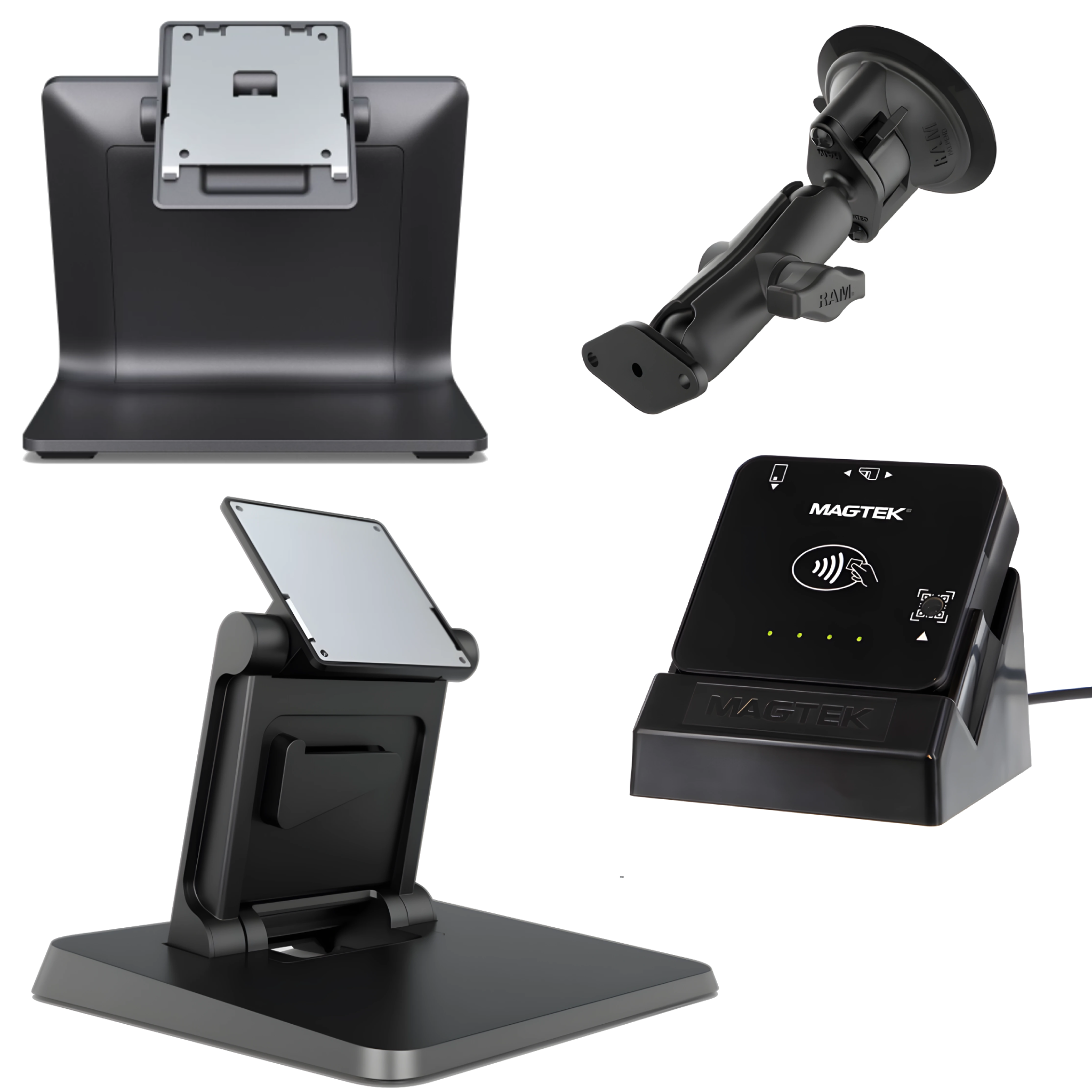
Position equipment for comfortable viewing and convenient access at the counter. Check the device model, mounting pattern, footprint, and required adjustment range.
Discuss Mounting Options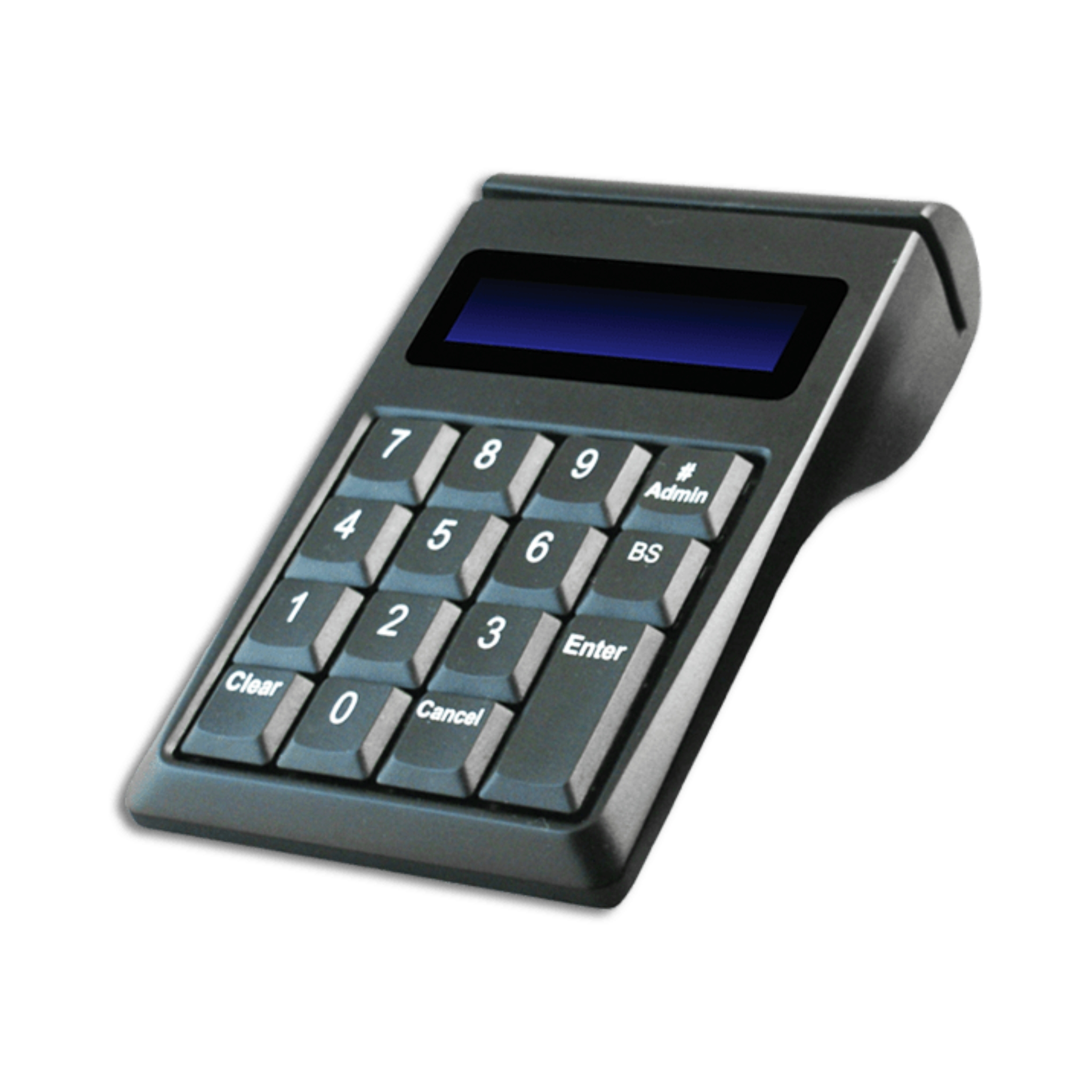
Add convenient input options for employee-facing stations and applications that require frequent data entry. Confirm connection type, layout, and software requirements.
Review Input Needs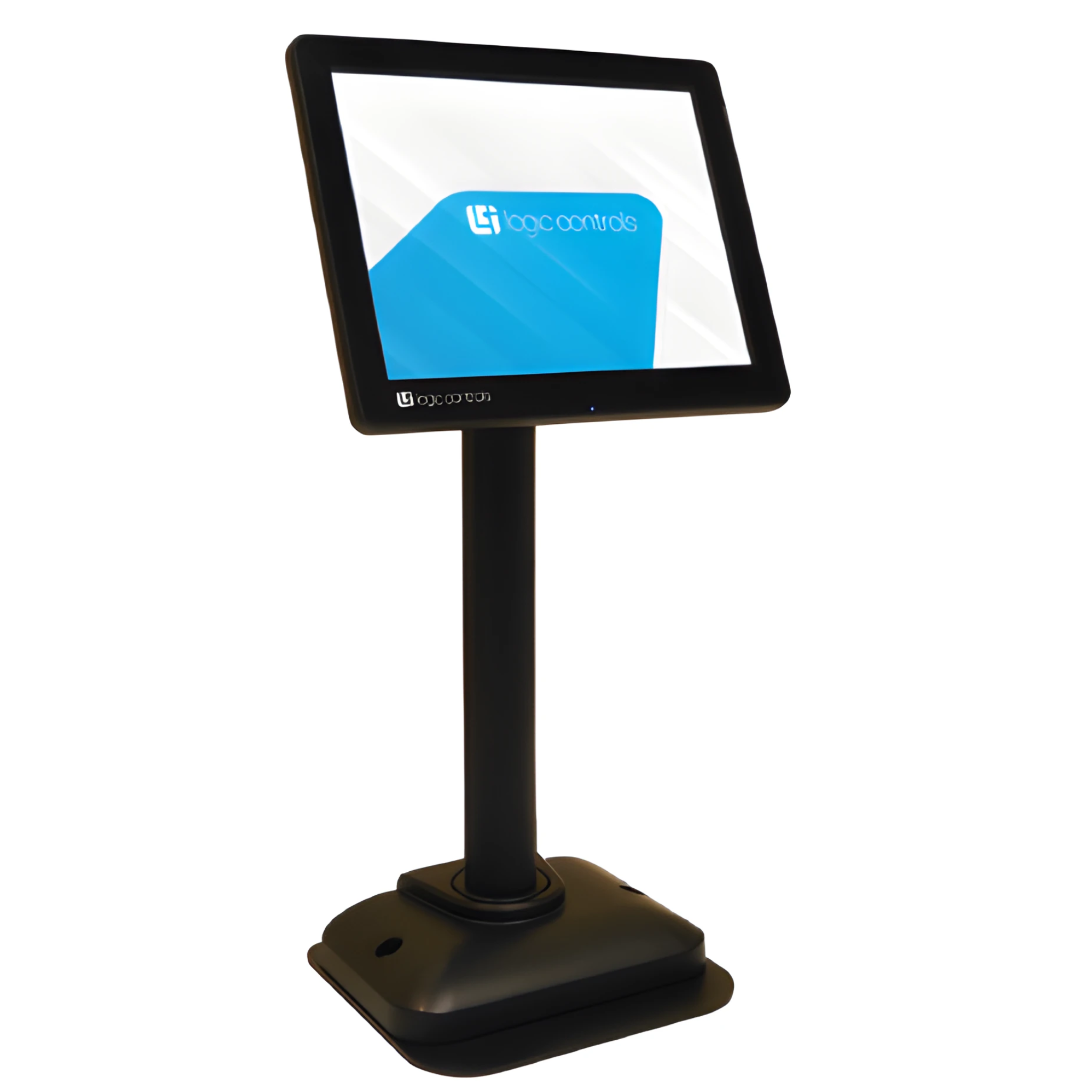
Give customers a view of transaction details where supported by your POS software and terminal. Check interface, mounting, and application compatibility.
Plan a Customer Display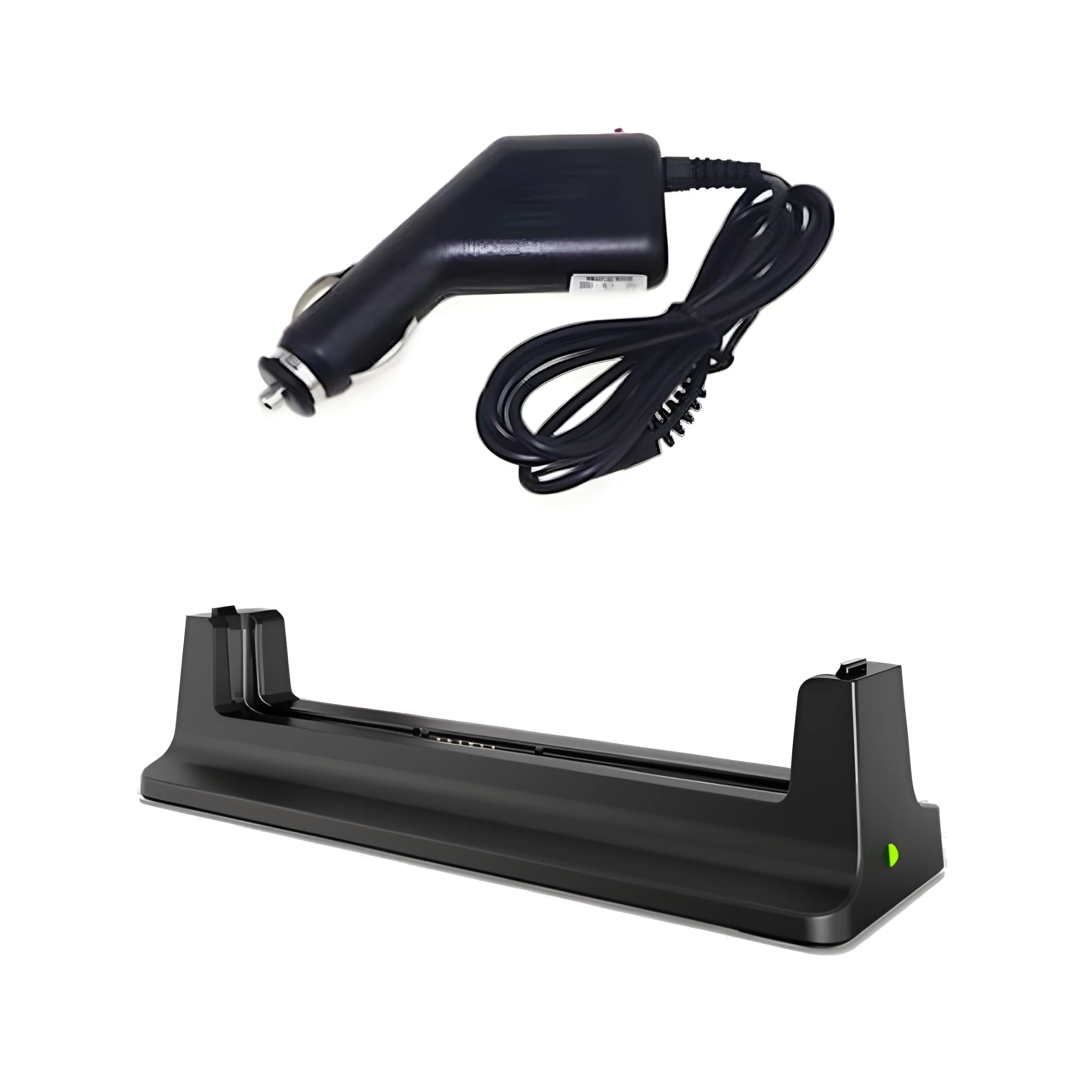
Use the correct power accessories for each device. Match the manufacturer’s specifications, voltage, connector, and power rating rather than relying on appearance alone.
Check Power Requirements
Complete your setup with accessories designed for the specific printer or peripheral you use. Confirm the exact model and accessory compatibility before ordering.
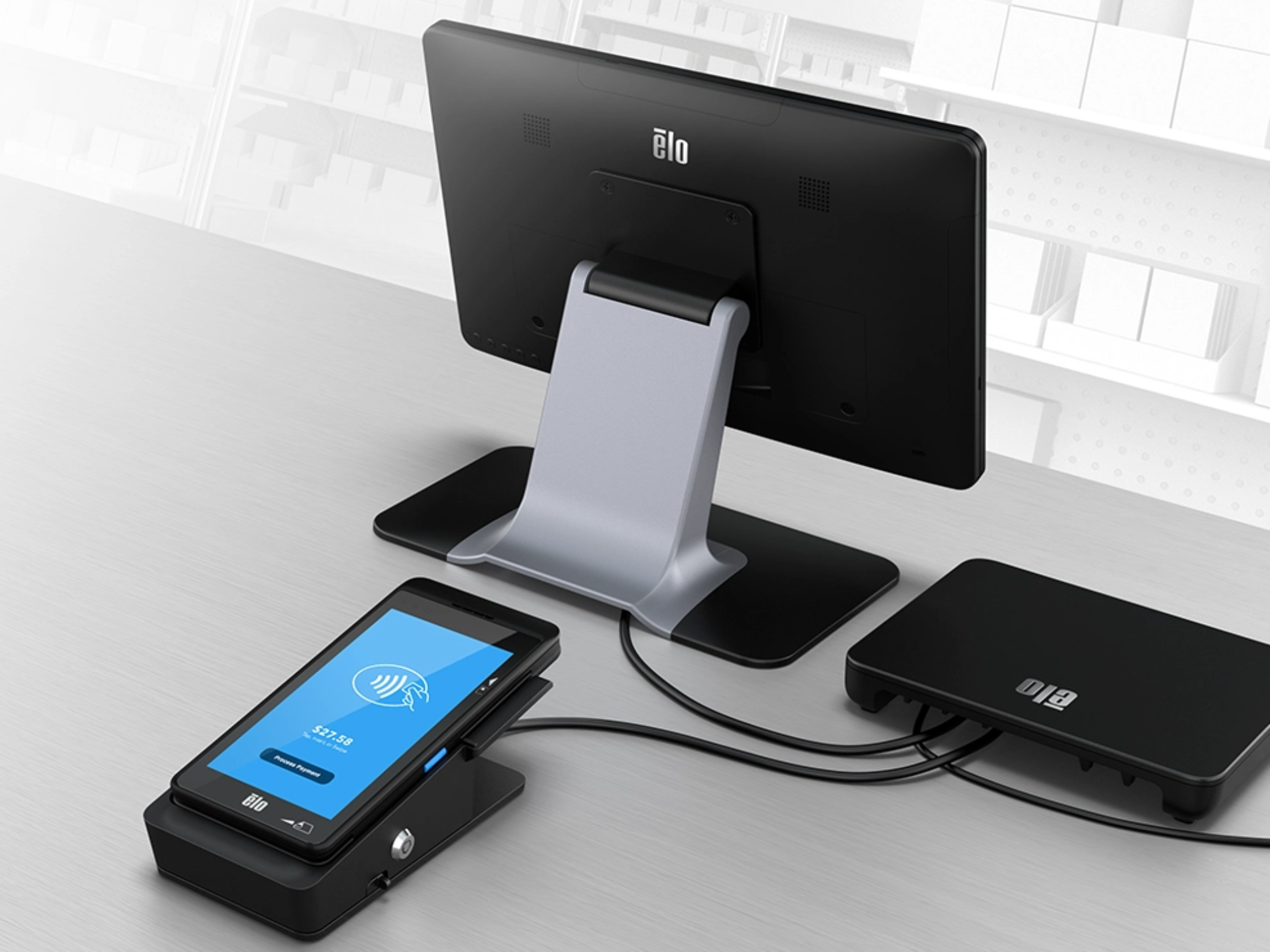
Explore POS Receipt PaperA retail counter, hospitality desk, and compact service station can have very different space and workflow requirements.
A quick compatibility check can help prevent ordering an accessory that does not fit your equipment or application.
Identify the exact POS terminal, printer, scanner, display, or peripheral the accessory will support.
Confirm interface, connector type, cable length, voltage, and power requirements from the device documentation.
Measure the available space and verify mounting dimensions, clearance, and the position of ports and cables.
Make sure the peripheral is supported by your POS software and operating system where applicable.
From Fortune 500 companies to your small business, 125,000+ companies trust our products, service, and support.












Barcode Factory is a premier partner with the industry's leading hardware, media, and software providers. We give our customers access to proven products, services, and resources for labeling and data capture applications.
Shop by Brands





Tell us which POS terminal or peripheral you use and what you need to connect, mount, power, or add. BarcodeFactory can help you narrow down compatible options. Or call 888-237-8525.
For more information or to discuss your project, Contact Us or call 888-237-8525.