


POS Touchscreen Monitor Solutions
Bring fast, intuitive touch interaction to the point of sale.
Modern point-of-sale environments need more than a display. They need responsive touchscreen technology that is easy for employees and customers to use, flexible enough to support connected peripherals, and built for demanding commercial environments. Barcode Factory provides touchscreen solutions from Elo for POS, retail, hospitality, healthcare, kiosks, and self-service applications.
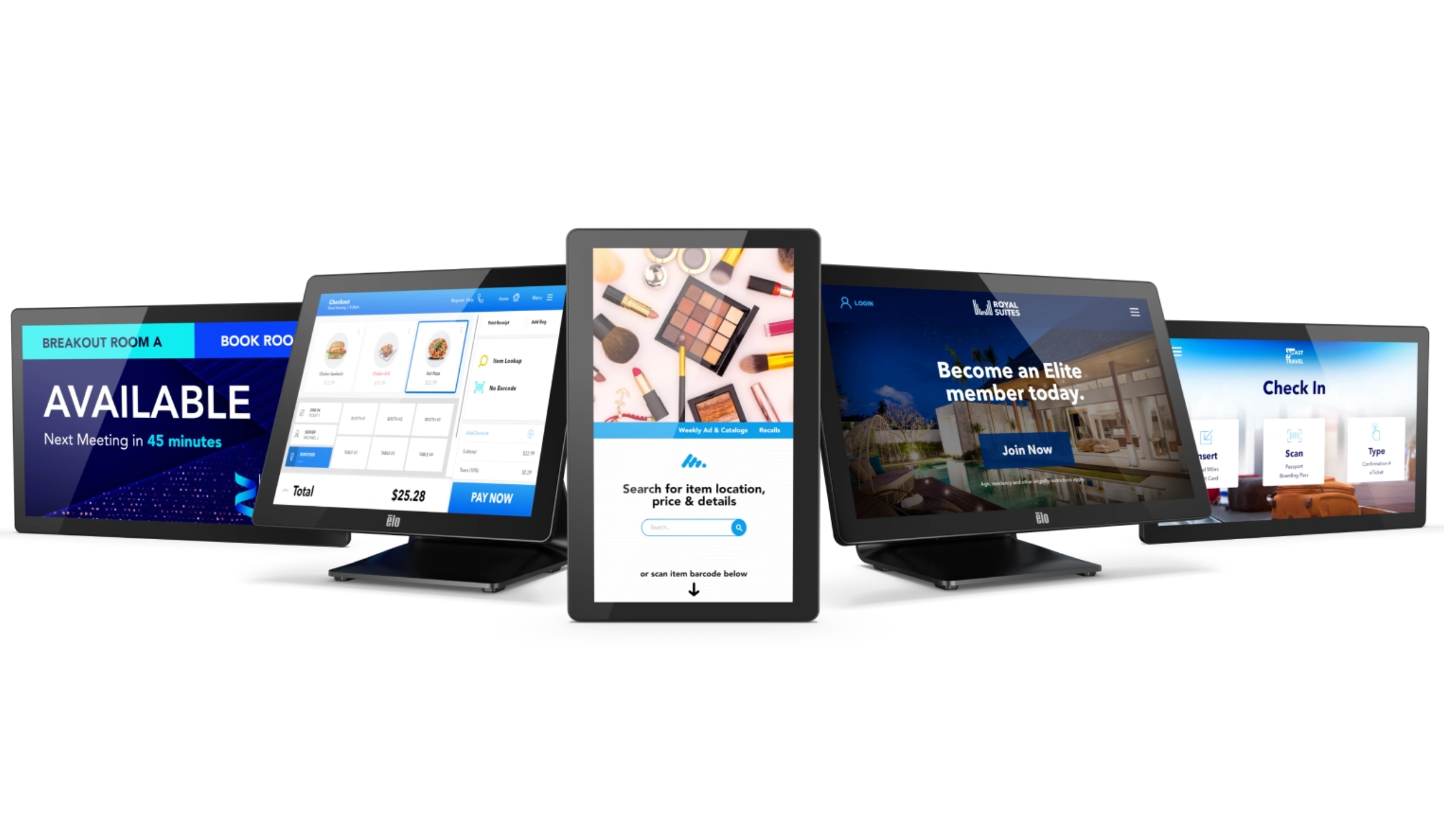
A Touchscreen Designed Around The Way You Work
The right POS touchscreen can make transactions easier, reduce unnecessary hardware, and create a more natural interaction between employees, customers, and your software.
Fast Touch Interaction
Responsive touch interfaces make POS applications, ordering systems, check-in workflows, and other interactive applications easy to navigate.
Commercial-Grade Design
Choose touchscreen hardware designed for the demands of commercial environments and frequent interaction.
Flexible Configurations
Build a solution around the screen size, operating environment, mounting requirements, and peripherals your application needs.
Built For More Than POS
Touchscreen solutions can support self-service, kiosks, hospitality, healthcare, customer engagement, and interactive applications.
Make The Checkout Experience More Interactive
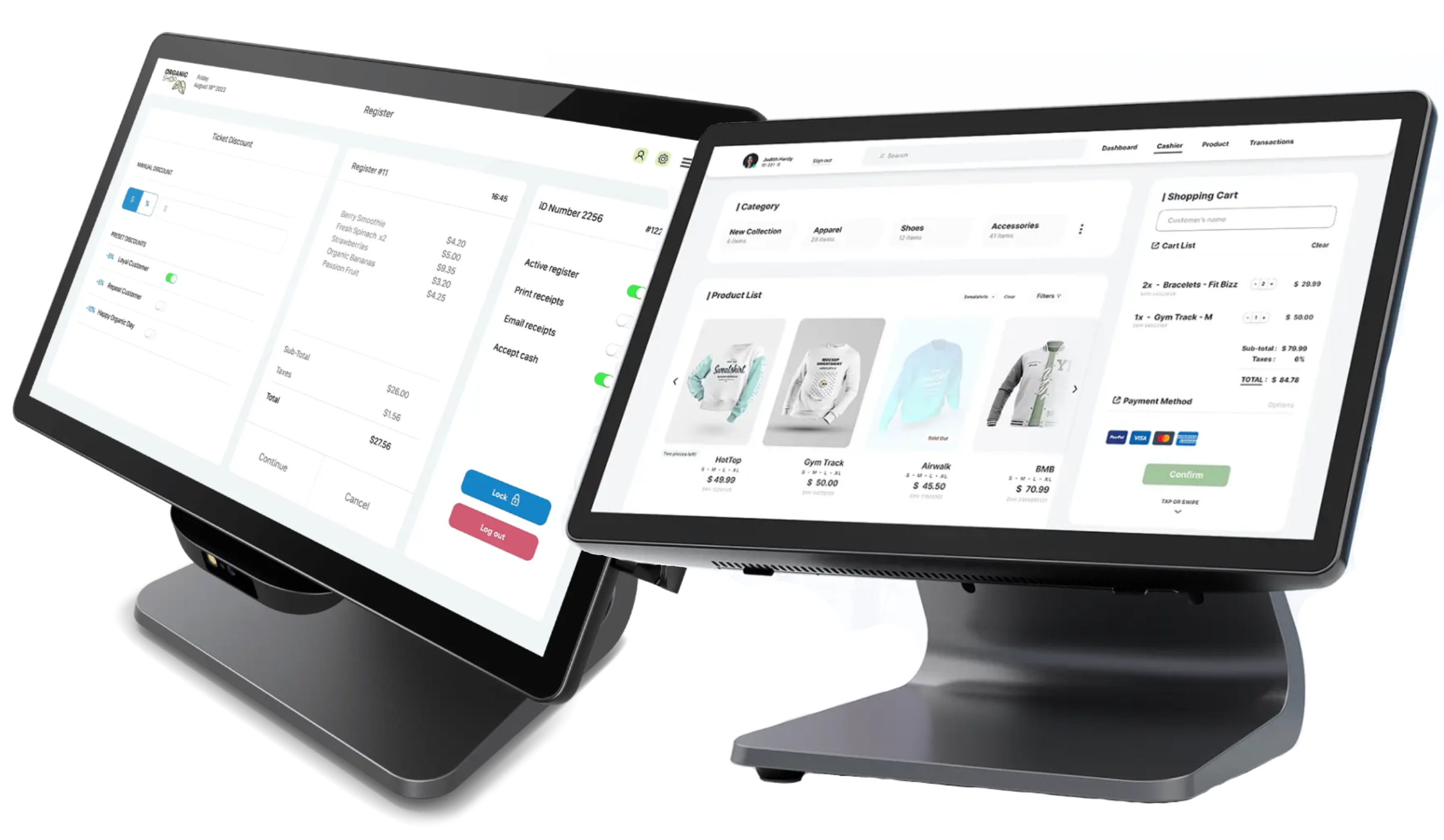
A touchscreen becomes the primary point of interaction between your POS software and the employee using it. The right display can help create a cleaner workstation while making common tasks more intuitive.
Elo touchscreen solutions can be configured for traditional point-of-sale environments as well as customer-facing and self-service applications. Elo's commercial POS hardware is designed to connect with peripherals such as barcode scanners, payment devices, printers, cash drawers, and customer displays. :contentReference[oaicite:2]{index=2}
- Employee-facing POS workstations
- Customer-facing point-of-interaction displays
- Self-service ordering and check-in
- Retail and hospitality applications
- Integrated peripheral configurations
The Right Touch Technology For The Environment
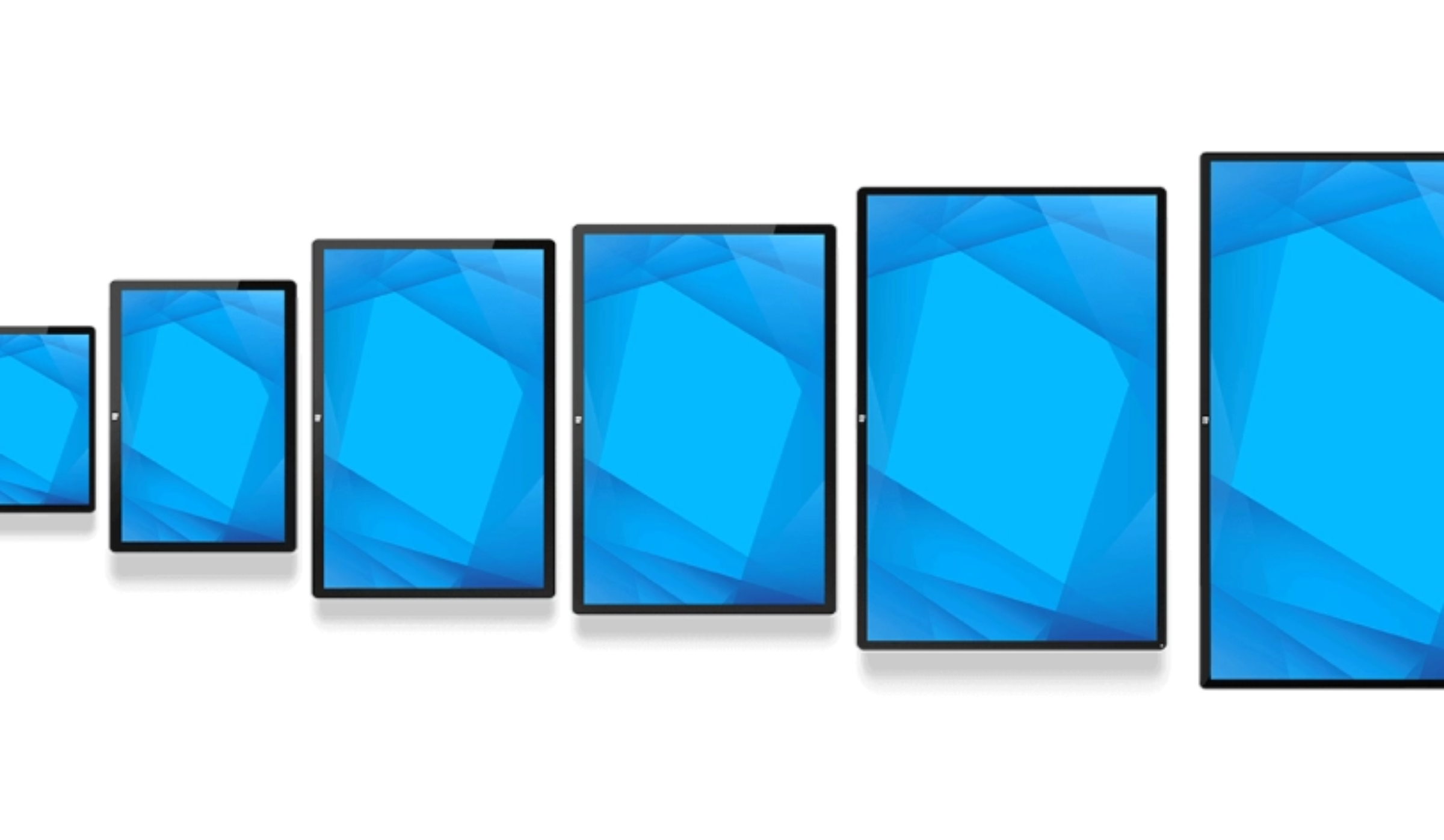
Touchscreen technology is not one-size-fits-all. Your application, environment, input method, and durability requirements should all be considered when selecting a display.
Projected Capacitive
A responsive multi-touch technology suited to modern interactive applications, self-service interfaces, and customer-facing systems.
IntelliTouch / SecureTouch
Surface Acoustic Wave technology provides a clear glass surface and is designed for applications where clarity, accuracy, and durability are important.
AccuTouch
Pressure-based touch technology that can work with a finger, stylus, or gloves and can be suited to applications where sealed designs are important.
Infrared Touch
Infrared technology can provide durable touch interaction for large-format displays and demanding commercial environments.
Touch technology should be selected according to the environment, durability requirements, input method, and application.
Connect The Peripherals Your POS Needs
A touchscreen monitor is only one part of a complete POS workstation. The right platform should work with the peripherals and accessories that keep your operation moving.
Depending on the Elo solution and configuration, POS environments can incorporate peripherals such as barcode scanners, printers, payment readers, cash drawers, customer displays, and other connected devices. :contentReference[oaicite:4]{index=4}
Where POS Touchscreen Solutions Fit
From traditional checkout counters to self-service environments, touchscreen technology can support a wide range of customer and employee interactions.
Retail
Equip checkout stations with responsive touchscreen interfaces designed around retail POS software and connected peripherals.
Restaurants & Hospitality
Support restaurant POS, front-desk workflows, ordering, guest services, and other hospitality applications.
Self-Service
Create interactive ordering, check-in, ticketing, information, and customer-service experiences.
Kiosks
Integrate touch displays into kiosk systems where customers interact directly with the application.
Healthcare
Support patient check-in, self-service, clinical workflows, pharmacy applications, and interactive healthcare environments.
Customer-Facing Displays
Give customers a direct point of interaction for transactions, information, ordering, feedback, and other digital experiences.
From Touchscreen To Complete POS
Choosing the right touchscreen is only the beginning. Consider how the display will be mounted, what peripherals it needs to connect to, who will interact with it, and how it will fit into your existing workflow.
Define The Workflow
Determine who will use the touchscreen and what tasks they need to perform.
Choose The Display
Consider screen size, touch technology, mounting, and environmental requirements.
Add Peripherals
Connect scanners, printers, payment devices, cash drawers, and other POS hardware.
Deploy
Create a clean, functional workstation or interactive self-service environment.
Need Help Choosing A POS Touchscreen?
Barcode Factory can help you determine which touchscreen solution fits your POS, kiosk, self-service, retail, hospitality, or healthcare application. Tell us about your environment, software, peripherals, and workflow and we can help you identify the right solution.
POS Touchscreen Monitor FAQs
What is a POS touchscreen monitor?
A POS touchscreen monitor is an interactive display used to operate point-of-sale software through touch rather than relying primarily on a traditional keyboard and mouse. Depending on the solution, it can also connect with POS peripherals such as scanners, printers, payment devices, and cash drawers.
Why use a touchscreen for POS?
Touchscreens provide an intuitive interface for employees and can help create cleaner, more streamlined workstations. They can also be used for customer-facing and self-service interactions.
What is the best touchscreen technology for POS?
The appropriate technology depends on the application and environment. PCAP, Surface Acoustic Wave, resistive, and infrared technologies each have different characteristics, so the best choice depends on factors such as touch method, durability, environmental conditions, and intended use.
Can Elo touchscreens work with POS peripherals?
Many Elo POS solutions are designed to work with connected peripherals, including barcode scanners, printers, payment devices, cash drawers, customer displays, and other accessories. Specific compatibility depends on the model and configuration.
Are touchscreen monitors used for self-service kiosks?
Yes. Touchscreen technology is commonly used for self-service ordering, check-in, ticketing, information, and other interactive kiosk applications.
Can Barcode Factory help me choose an Elo touchscreen?
Yes. Barcode Factory can help you compare touchscreen solutions based on your POS application, environment, screen requirements, touch technology, mounting needs, peripherals, and overall workflow.
From Fortune 500 companies to your small business, 125,000+ companies trust our products, service, and support.












Our Top Partners
Barcode Factory is a premier partner with the industry's leading hardware, media, and software providers. We give our customers access to proven products, services, and resources for labeling and data capture applications.
Shop by Brands





For more information or to discuss your project, Contact Us or call 888-237-8525.