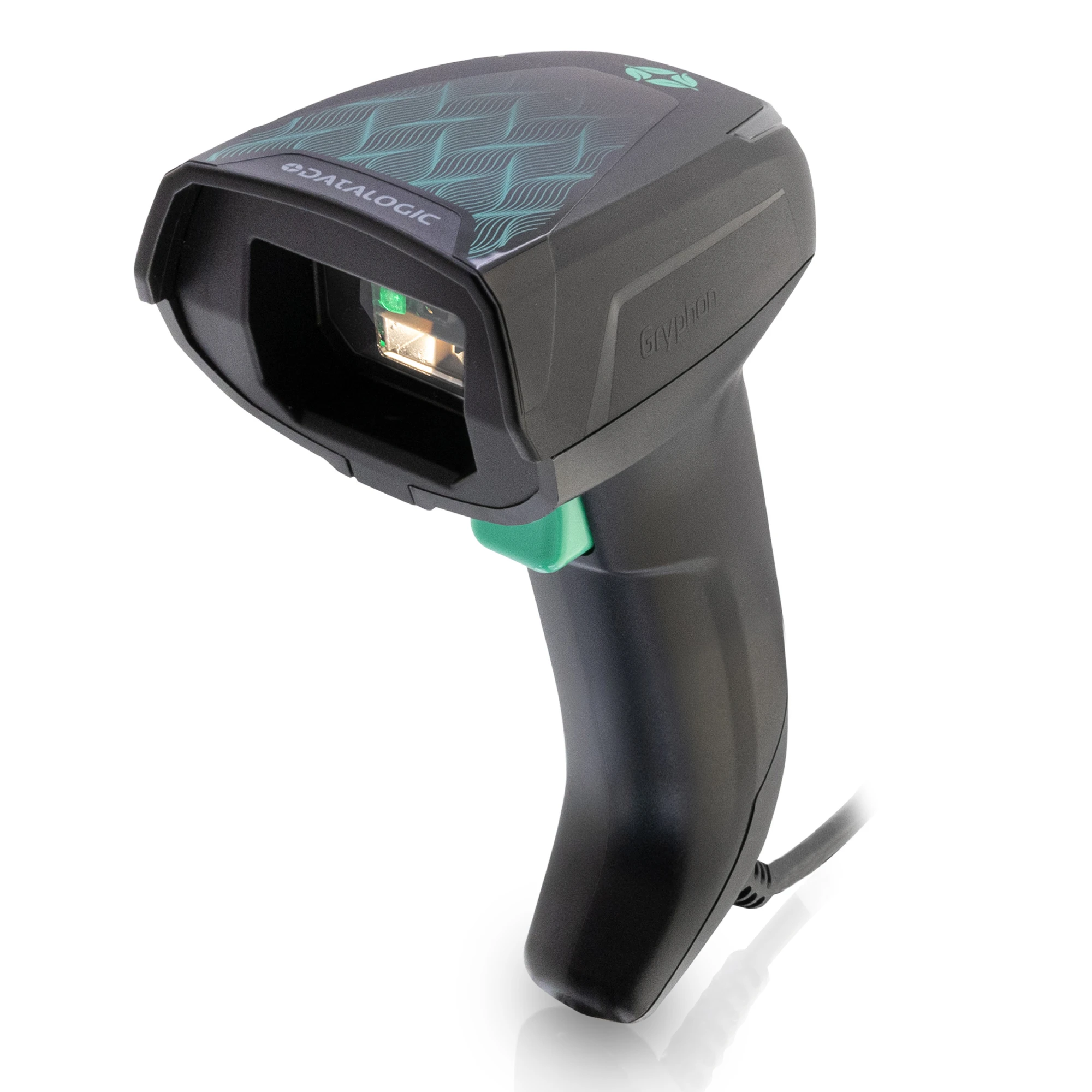
Retail Barcode Scanners
Scan product barcodes at checkout to help identify items and support accurate transaction processing. Explore handheld and presentation-style scanners for different retail environments.
Explore POS ScannersSee Our Holiday Hours



Create a smoother checkout experience with point-of-sale hardware designed to support your retail operations. From barcode scanning and receipt printing to touchscreen monitors, payment devices, and cash drawers, BarcodeFactory helps you explore the equipment that brings your checkout workflow together.
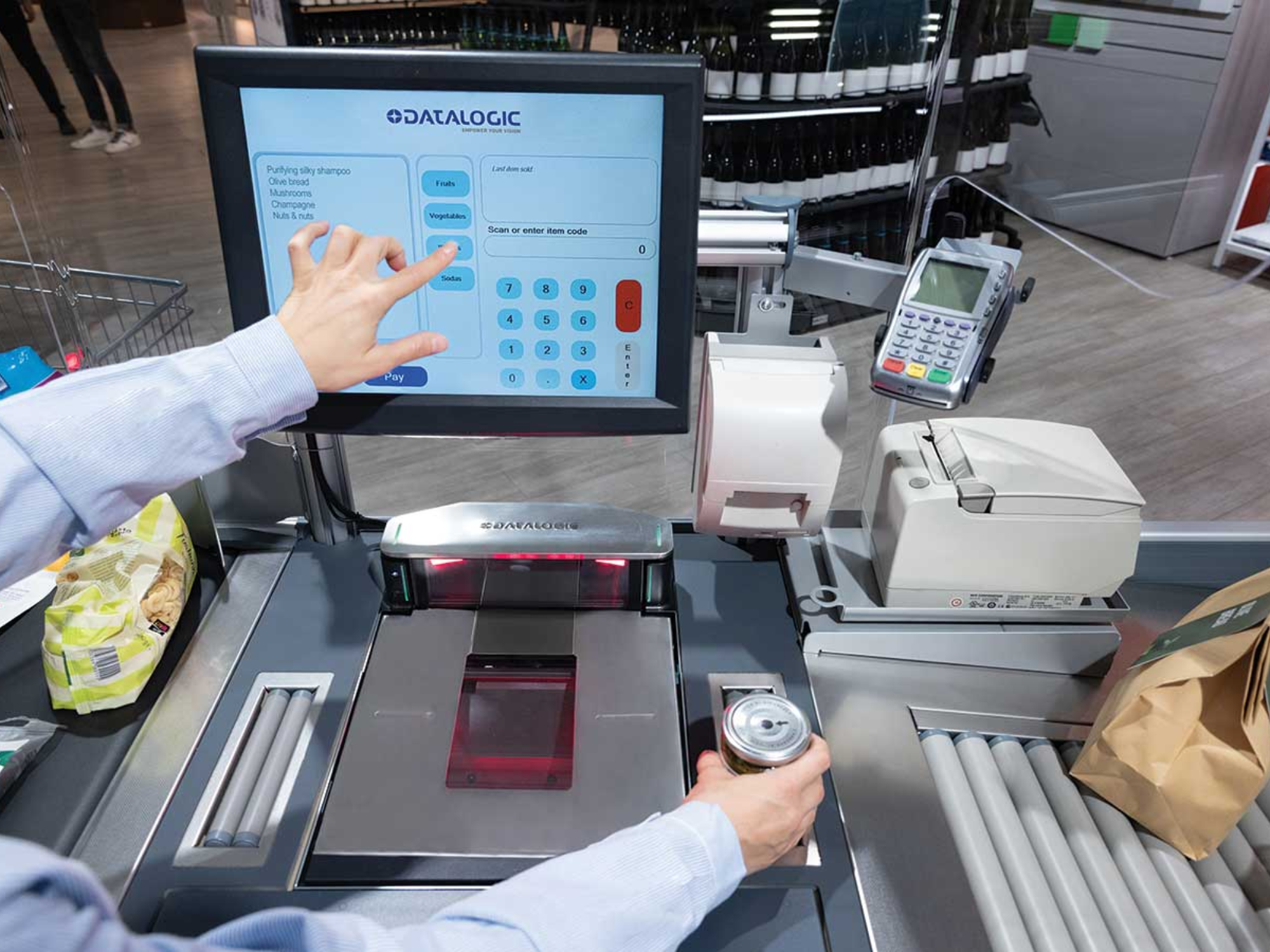
A retail POS system is more than a cash register. It can combine scanning, payment processing, receipt printing, customer interaction, and cash management into one checkout workflow. Choosing the right hardware helps you create a setup that fits your store and the way your employees serve customers.
Equip checkout stations with appropriate scanning, display, printing, and payment devices to help employees process purchases and assist customers efficiently.
Choose equipment based on your transaction volume, available counter space, operating environment, and the demands of your retail business.
Evaluate hardware alongside your POS software, connectivity, operating system, and existing equipment before selecting new devices.
Whether you're equipping a single checkout counter, upgrading an existing register, or planning a new retail environment, start with the devices your employees and customers use every day.
Scan product barcodes at checkout to help identify items and support accurate transaction processing. Explore handheld and presentation-style scanners for different retail environments.
Explore POS Scanners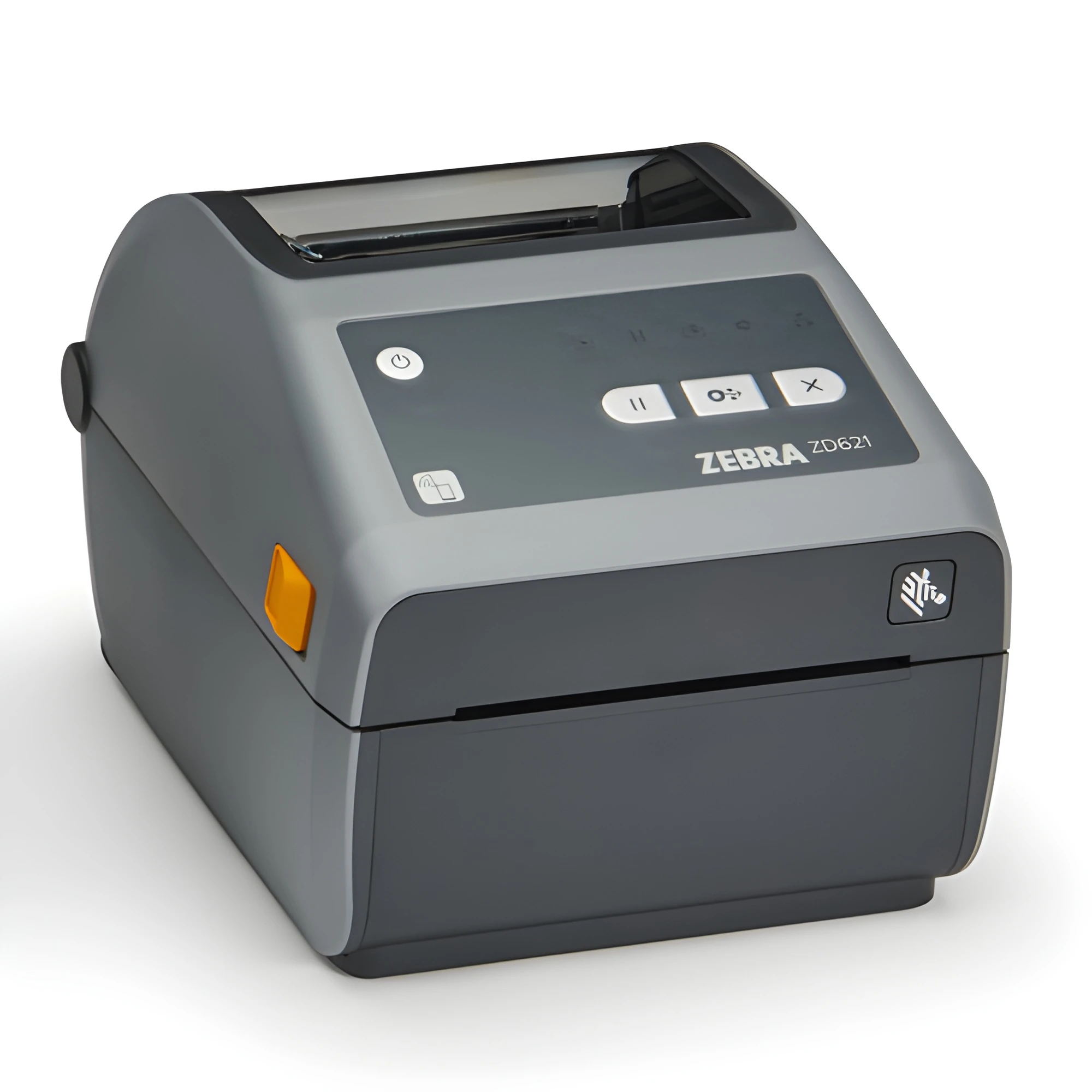
Provide printed transaction receipts with POS printers selected for your checkout setup, receipt volume, counter space, and connection requirements.
Explore POS Printers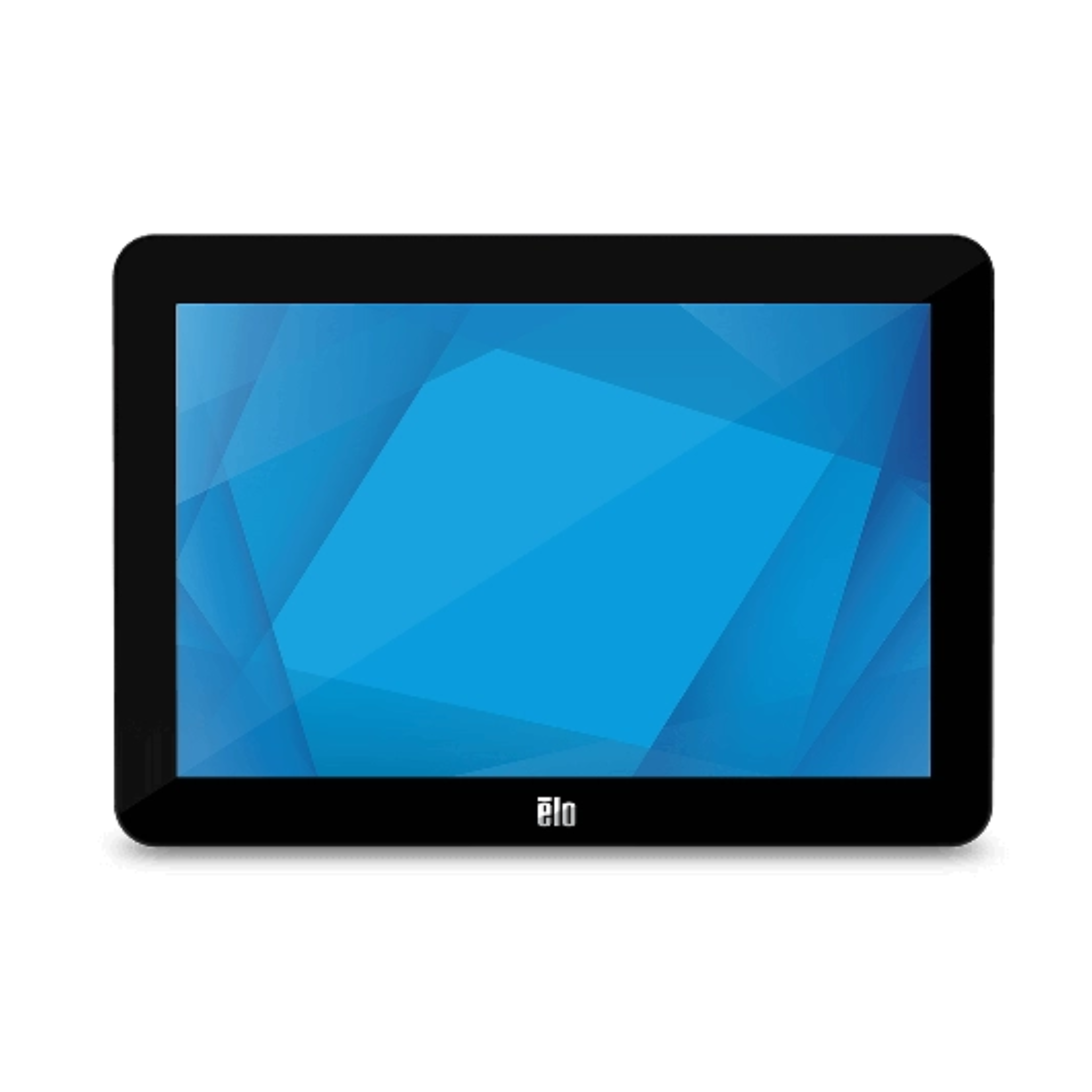
Give employees an interactive interface for supported POS applications. Consider screen size, mounting, touch technology, and system compatibility when planning a workstation.
Explore POS Monitors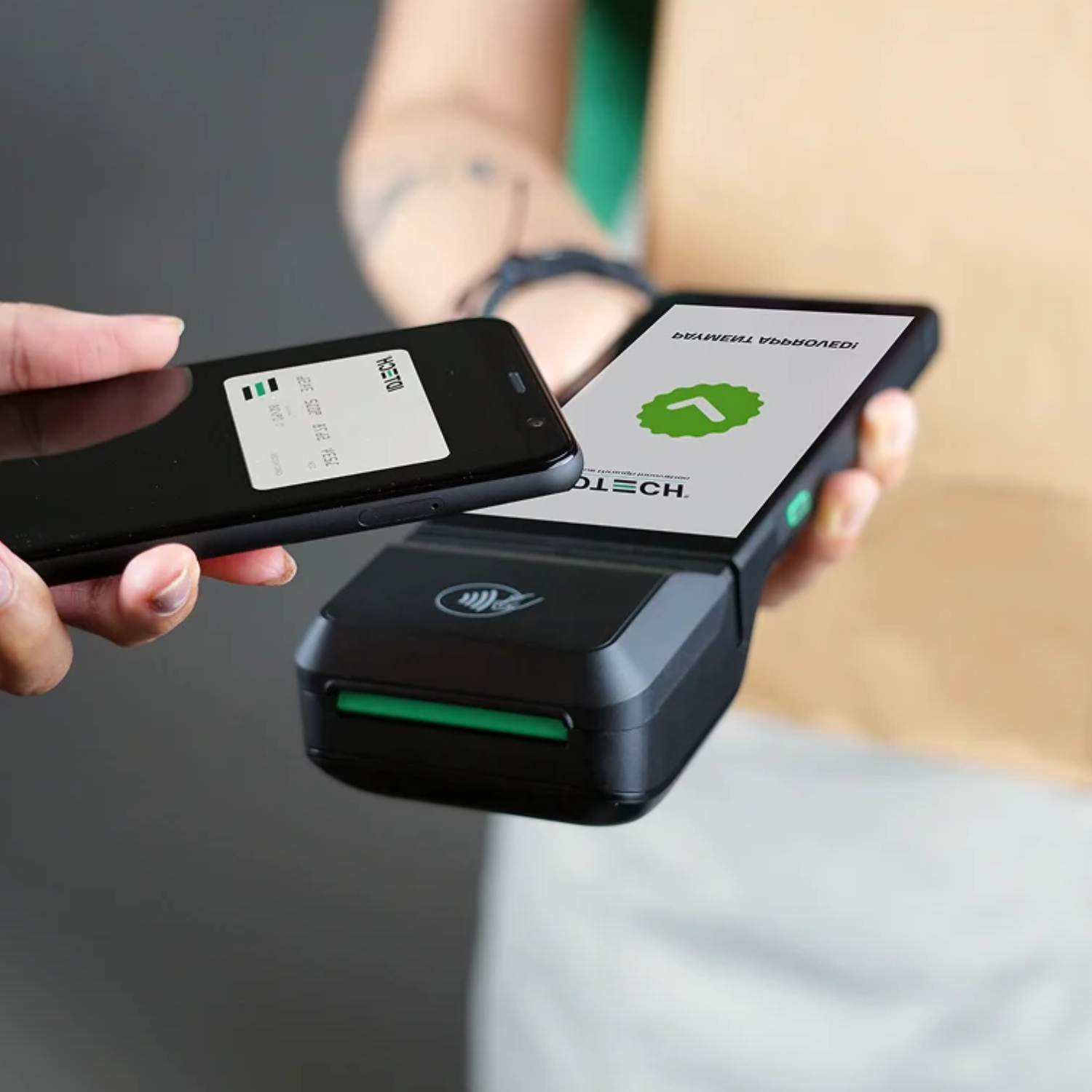
Explore payment-related hardware for retail transactions. Confirm compatibility with your payment software, processor, and POS environment before choosing a device.
Get Help Selecting Hardware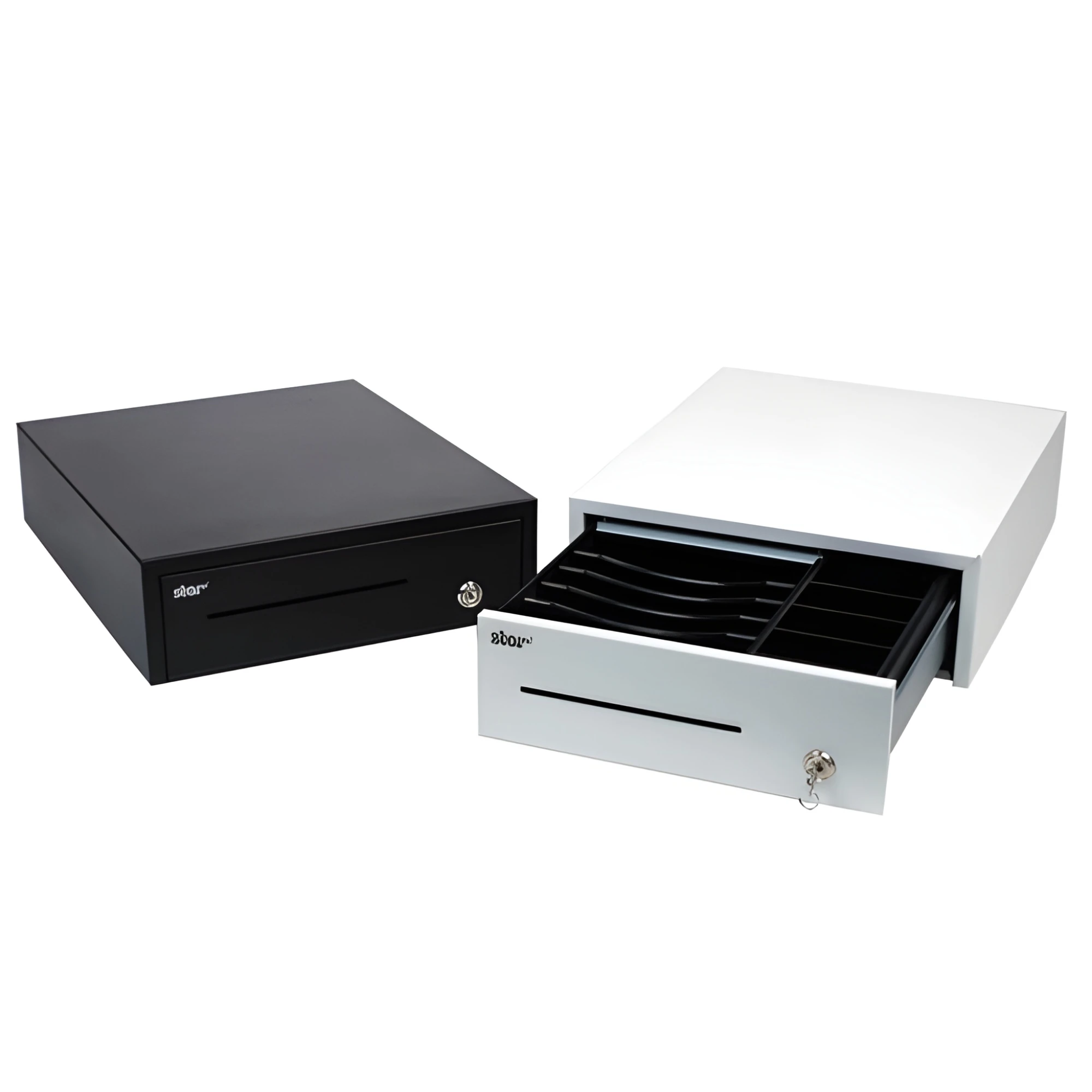
Add cash management hardware to a checkout station. Consider drawer dimensions, till configuration, available space, and the connection required by your POS system.
Get Help with Cash Drawers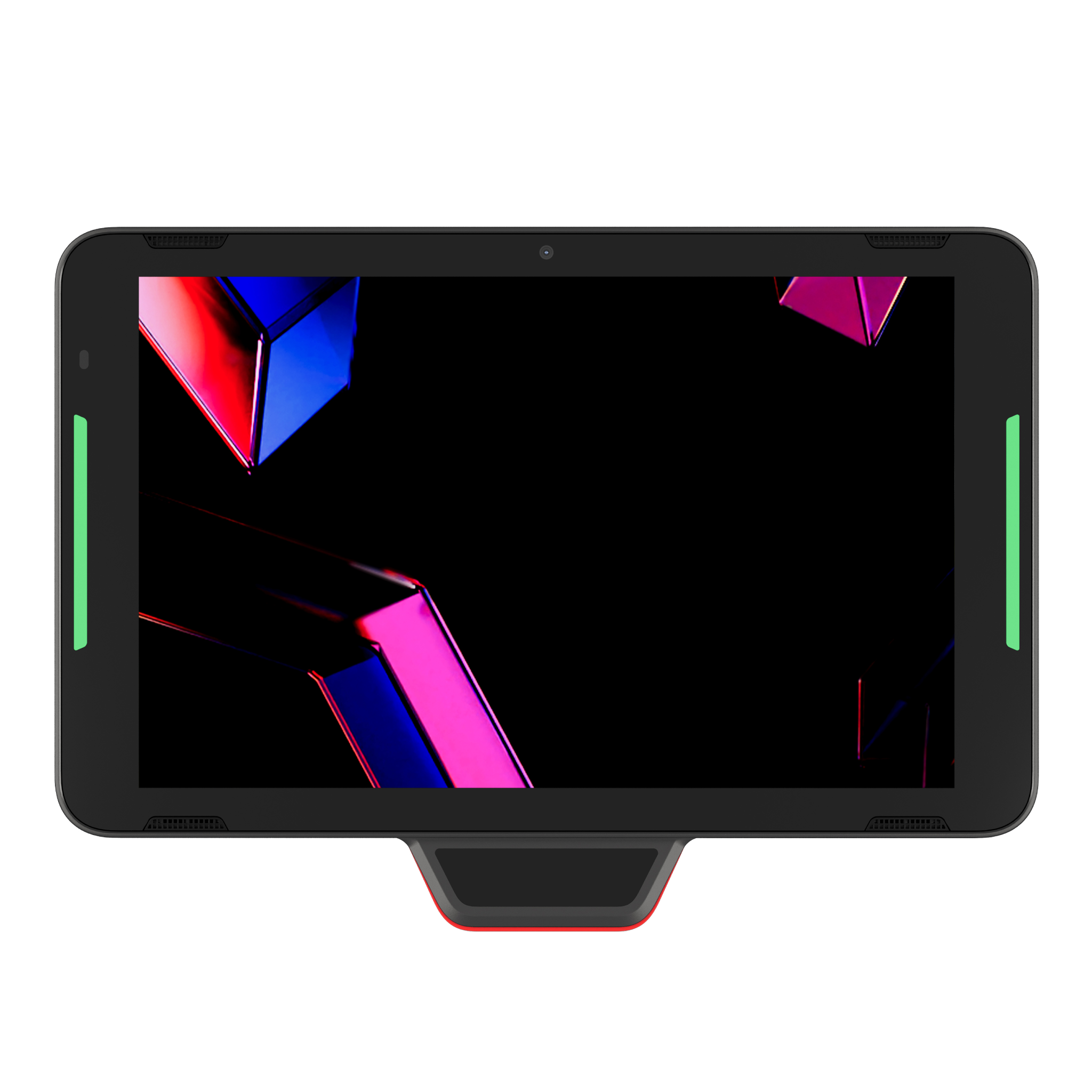
Explore self-service hardware for retail environments where customers need an interactive way to browse, order, check out, or complete supported transactions.
Explore Kiosk Solutions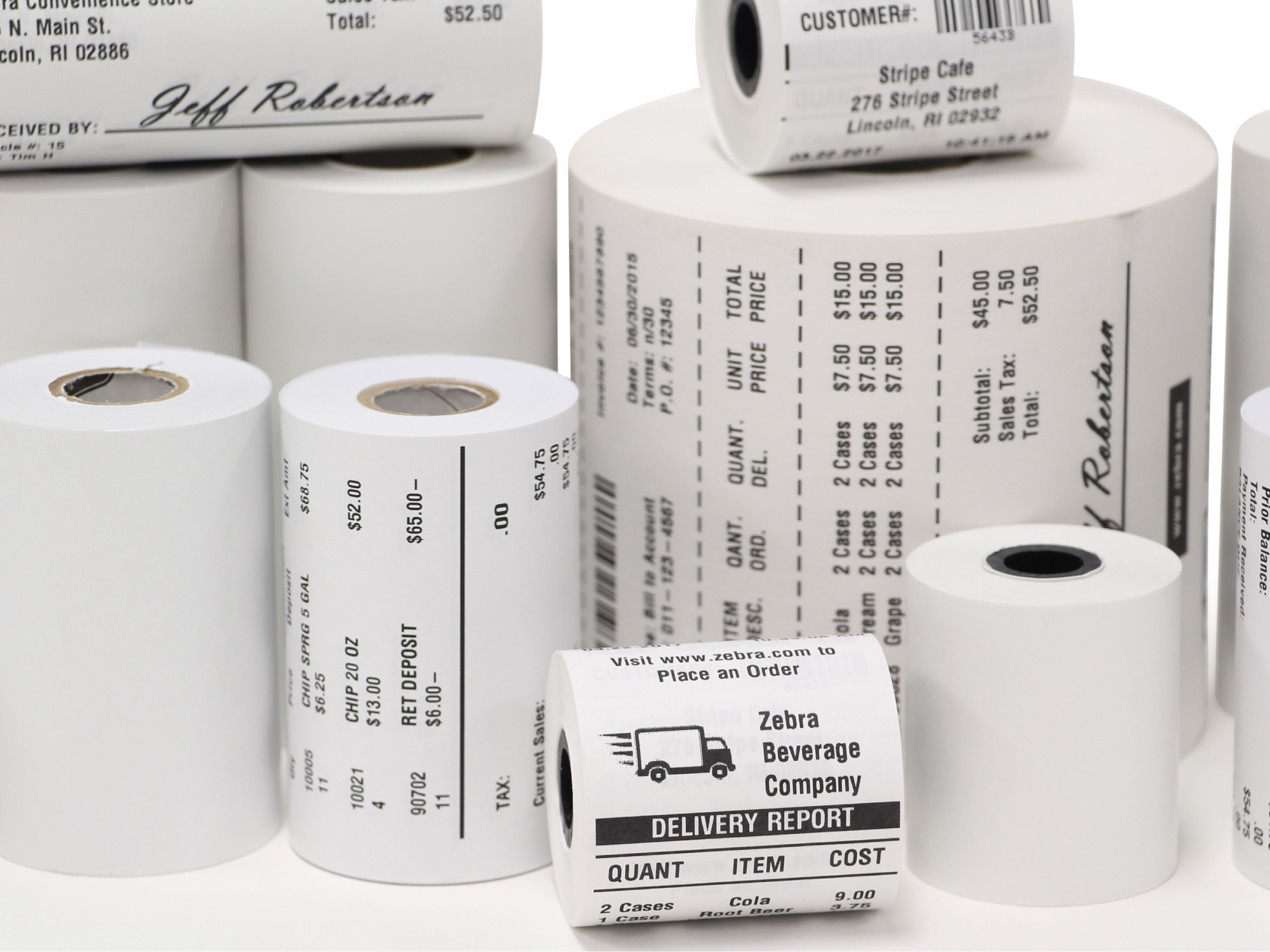
Keep checkout stations supplied with compatible receipt paper. Check roll width, diameter, core size, and paper type against your printer's specifications.
Shop Receipt Paper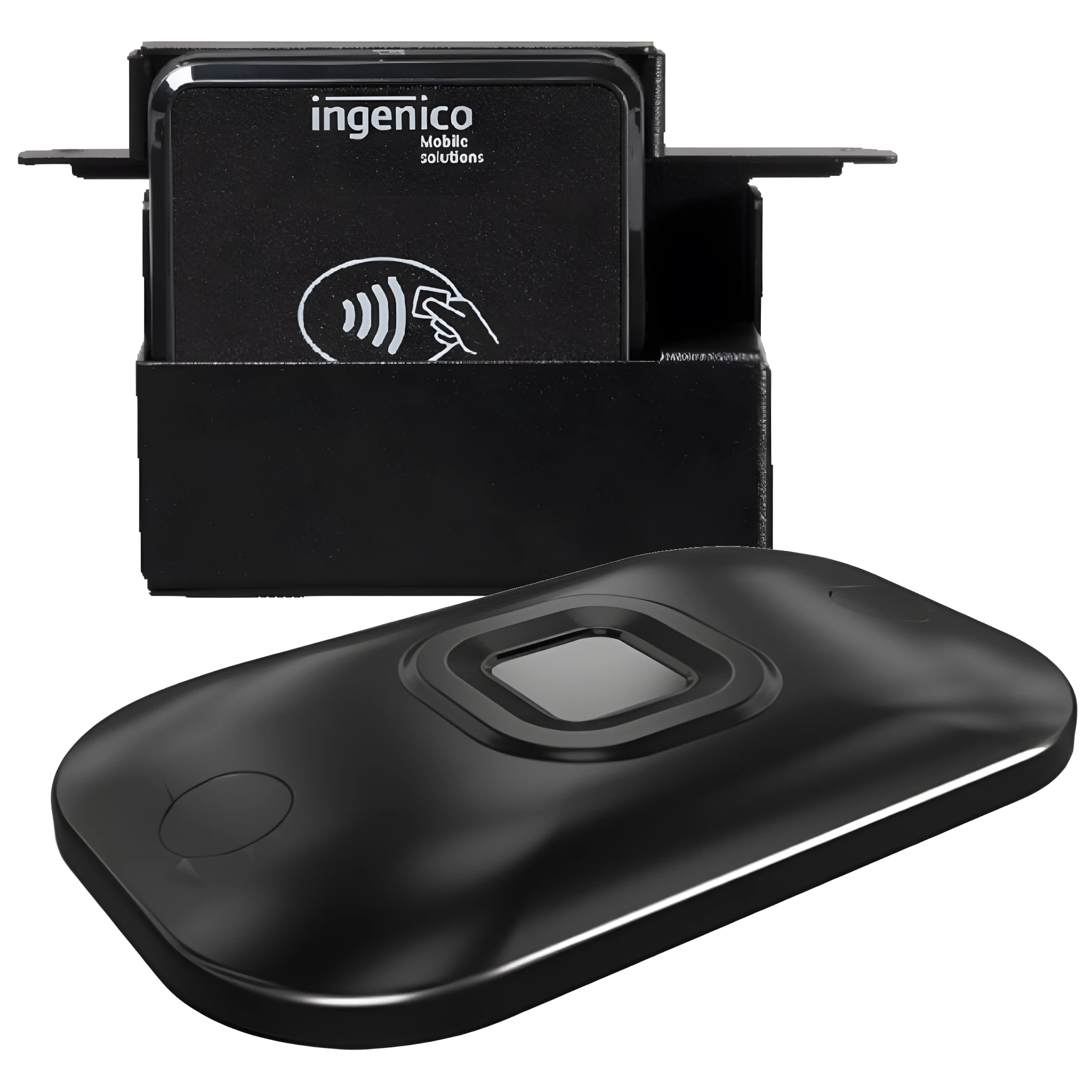
Complete your workstation with accessories selected for your equipment, mounting needs, connectivity, and the available checkout space.
Explore POS Accessories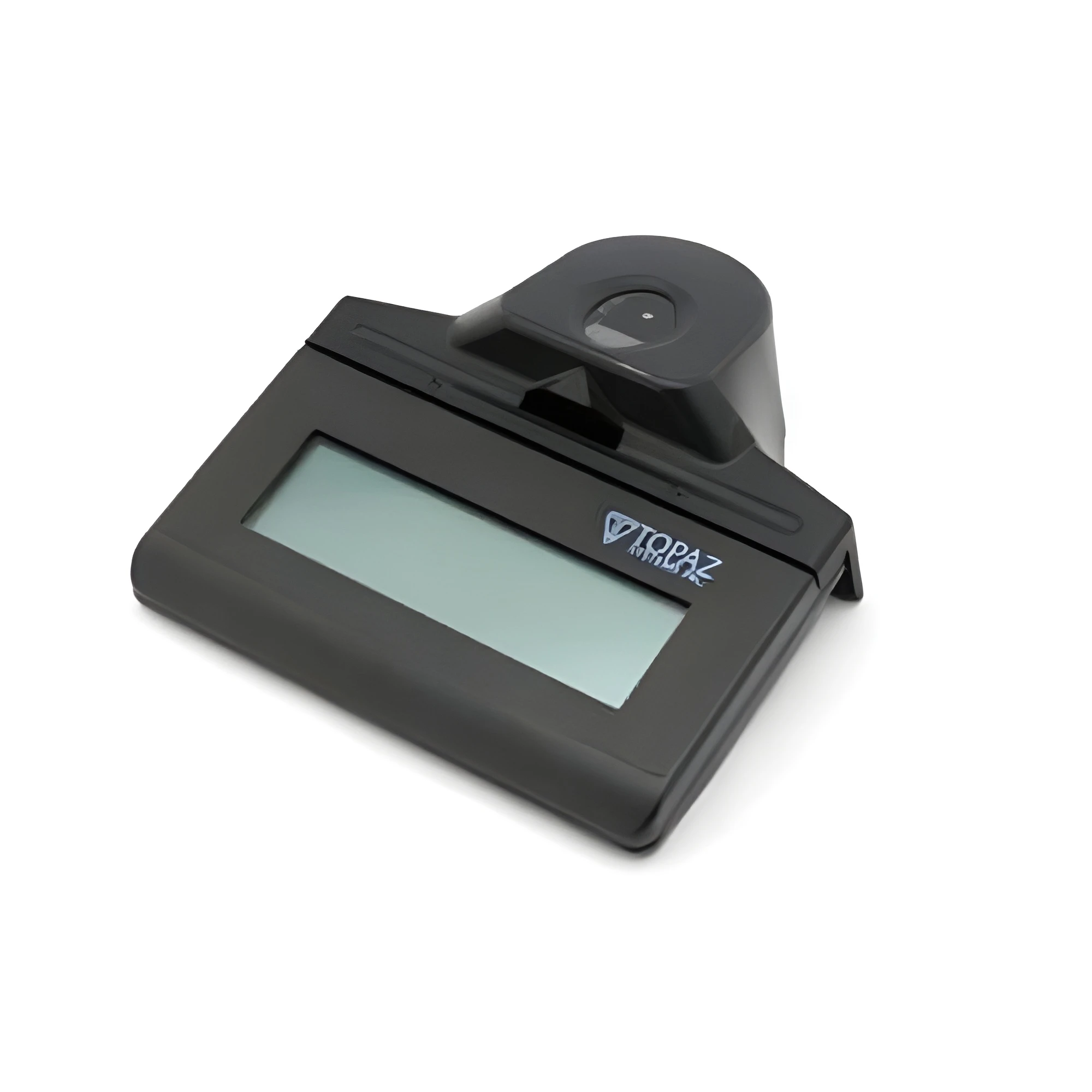
Where a retail workflow requires electronic signatures, explore compatible signature capture devices for supported applications and checkout processes.
Discuss Your Requirements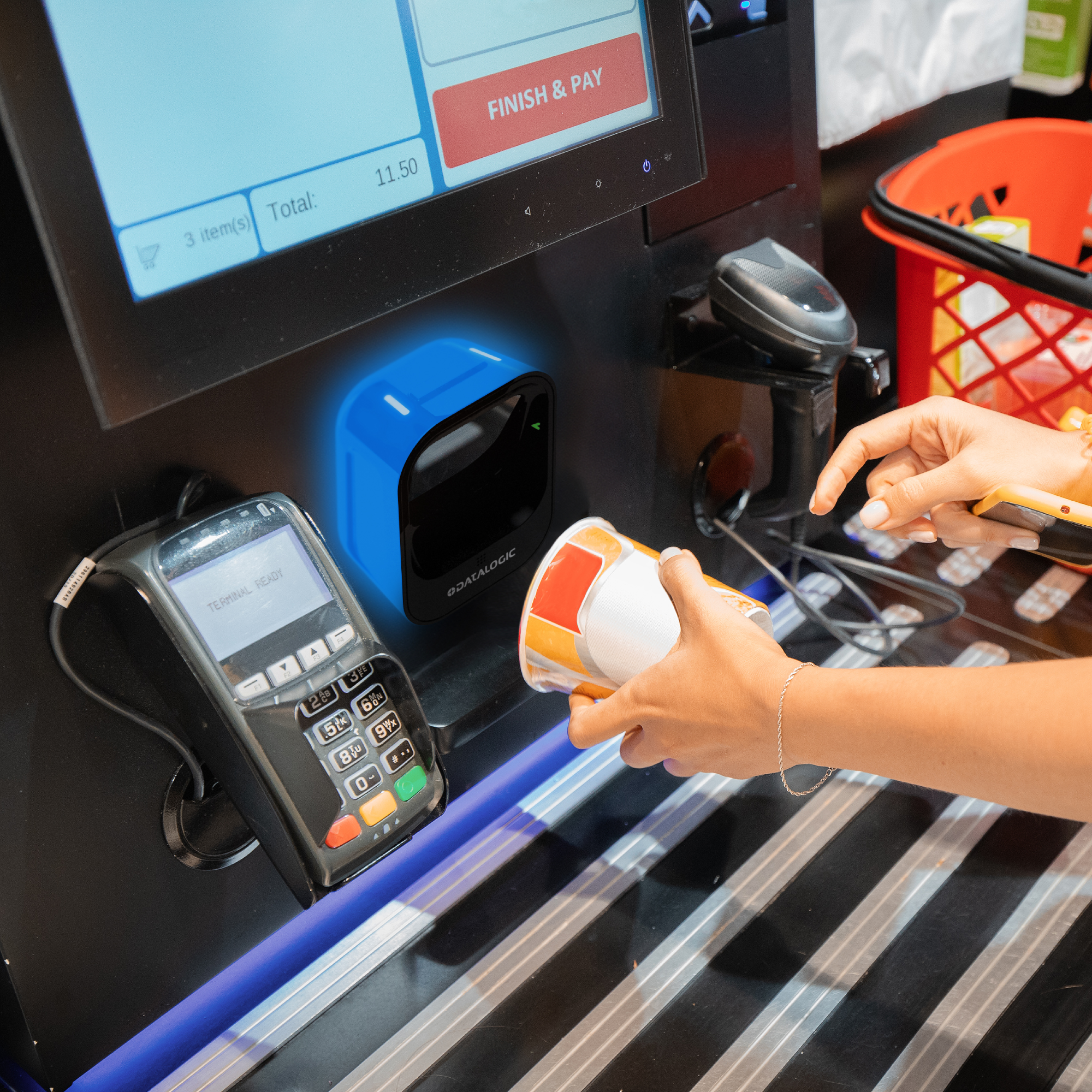
Each device plays a different role in the checkout process. The goal is to select hardware that works with your POS application and supports the way your employees handle purchases.
Different retail environments have different checkout requirements. Consider how your employees work, how customers move through the store, and where equipment will be installed.
Combine a POS interface, barcode scanner, receipt printer, payment device, and cash drawer as needed for your register setup.
Evaluate scanning speed, printer performance, equipment placement, and supply replenishment when planning busy checkout stations.
Choose hardware that fits the counter space, product scanning needs, customer experience, and POS software used by your business.
Consider kiosks, compact printers, integrated peripherals, and suitable mounting options for space-conscious checkout environments.
The right setup depends on more than the individual devices. Review these considerations before purchasing new hardware or upgrading an existing checkout.
Check supported operating systems, software requirements, drivers, interfaces, and peripheral compatibility before selecting equipment.
Measure your available counter space and consider device dimensions, mounting options, cable routing, and employee access.
Consider daily checkout activity, scanning needs, receipt frequency, and how often supplies or consumables need to be replaced.
Think about planned register additions, new checkout workflows, additional peripherals, and changes to your retail operation.
Browse related BarcodeFactory POS solutions to find hardware and supplies for your retail checkout environment.
Whether you're replacing a single device, upgrading existing registers, or equipping a new retail location, BarcodeFactory can help you explore the available hardware options. Tell us about your POS system, store environment, and checkout requirements so you can make a more informed decision.
From Fortune 500 companies to your small business, 125,000+ companies trust our products, service, and support.












Barcode Factory is a premier partner with the industry's leading hardware, media, and software providers. We give our customers access to proven products, services, and resources for labeling and data capture applications.
Shop by Brands




For more information or to discuss your project, Contact Us or call 888-237-8525.