A Printed Reference
Black mark media carries a printed registration mark, often on the reverse side of the liner or tag stock. The location must match the printer's sensing path.
See Our Holiday Hours


Help your printer find the start of each label.
A black registration mark gives a compatible thermal printer a reference for label positioning. Match the mark, media construction and printer settings to help prevent skipped labels, feed errors and misplaced print.
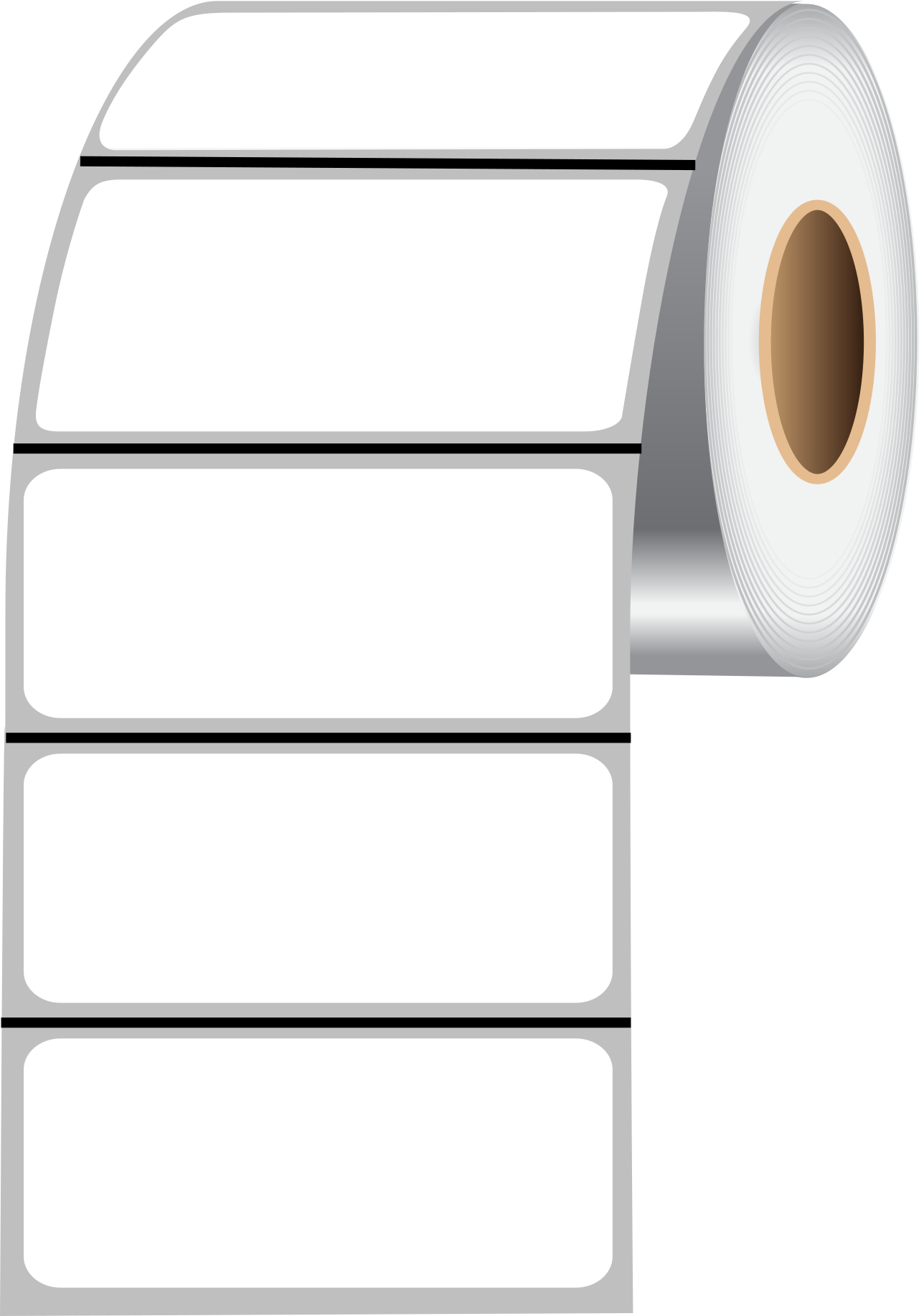
For non-continuous media, the printer uses a registration reference to locate labels or tags as they advance. Common references include black marks, gaps, notches and holes. Continuous stock uses a configured print length instead.
Black mark media carries a printed registration mark, often on the reverse side of the liner or tag stock. The location must match the printer's sensing path.
A reflective sensor detects the change in reflected light between the mark and surrounding media. Suitable contrast and mark dimensions are important.
The detected mark helps the printer position the next print. Media type, sensor alignment, calibration and label-format settings must agree.
Black mark is a sensing method, not a printing method. Confirm both the printer's sensing capability and whether your label construction is intended for direct thermal or thermal transfer printing.
Select around the label construction and the sensors supported by your printer model.
| Method | Reference Used | Selection Consideration |
|---|---|---|
| Black Mark | A printed mark detected by a compatible reflective sensor. | Confirm the mark's side, position, size and spacing against printer specifications. |
| Gap / Notch / Hole | A physical change in the media, commonly detected by a transmissive sensor. | Align the sensor with the registration feature. Some printers use different sensor arrangements. |
| Continuous | No repeating label-boundary reference; print length is configured in the printer or application. | Use supported continuous-media settings and an appropriate tear-off or cutting arrangement. |
Black mark media may provide a registration reference when a gap is difficult to detect or when the label or tag format calls for it. The mark must pass over the correct sensor and meet that printer's media requirements.
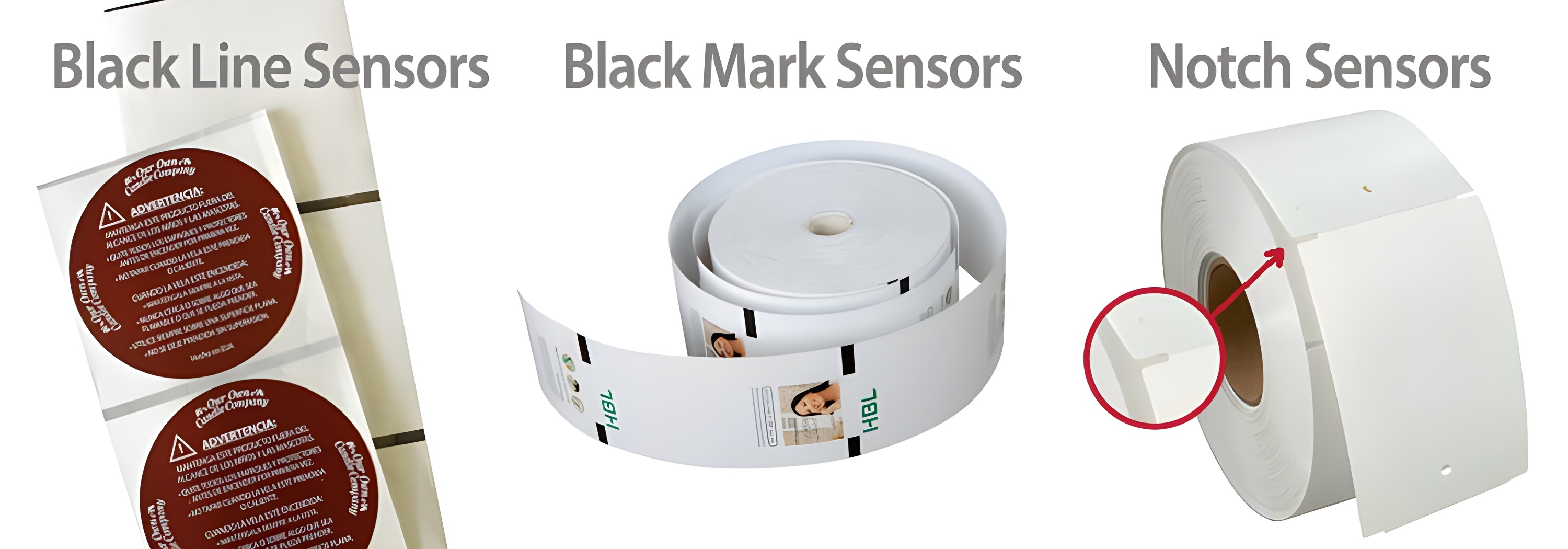
Review these factors when specifying new stock or investigating inconsistent feeding.
Tags, unusual liners and specialty constructions may require a particular sensing arrangement. Confirm supported media types before finalizing the specification.
Small, circular and irregular labels need a reliable sensing path. Check that the sensor crosses a consistent gap or mark for every label repeat.
Some transparent labels are difficult to distinguish from their liner using conventional gap sensing. A compatible mark on the liner may offer an alternative.
Preprinting in the sensor path may interfere with detection. Review the sensing side, artwork and mark placement together to avoid unintended triggers.
Small labels, narrow webs and distinctive shapes call for careful media design. Match the registration feature to the sensor's available position.
Use the printer manufacturer's requirements for mark dimensions, optical characteristics and location. A mark that looks black to the eye still needs to be detectable by the sensor.
For registration problems, check the media construction and configuration before changing the label artwork or ordering replacement stock.
Sensor designs vary by printer. Some models have a fixed black mark sensor, while others offer an adjustable sensing assembly. Mark position and calibration instructions should come from the specific printer's documentation.
Share your printer model, label dimensions, material and artwork with BarcodeFactory. Include photos of both sides of the media and details of any skipped labels, feed errors or positioning issues.
Include the printer make and model, current label part number, required size and roll format, and the results you need to improve.
Technical references: Zebra sensor positioning guidance and Zebra media setup guidance. Procedures and specifications vary by printer model.
From Fortune 500 companies to your small business, 125,000+ companies trust our products, service, and support.












Barcode Factory is a premier partner with the industry's leading hardware, media, and software providers. We give our customers access to proven products, services, and resources for labeling and data capture applications.
Shop by Brands





For more information or to discuss your project, Contact Us or call 888-237-8525.