


RFID Implementation: Plan, Test and Scale Your System
A successful RFID implementation requires more than choosing tags and readers. Your goals, physical environment, antennas, printers, software, data, and workflows all need to work together.
This guide walks through the major decisions involved in planning, testing, and expanding an RFID system so you can make better-informed choices before deployment.
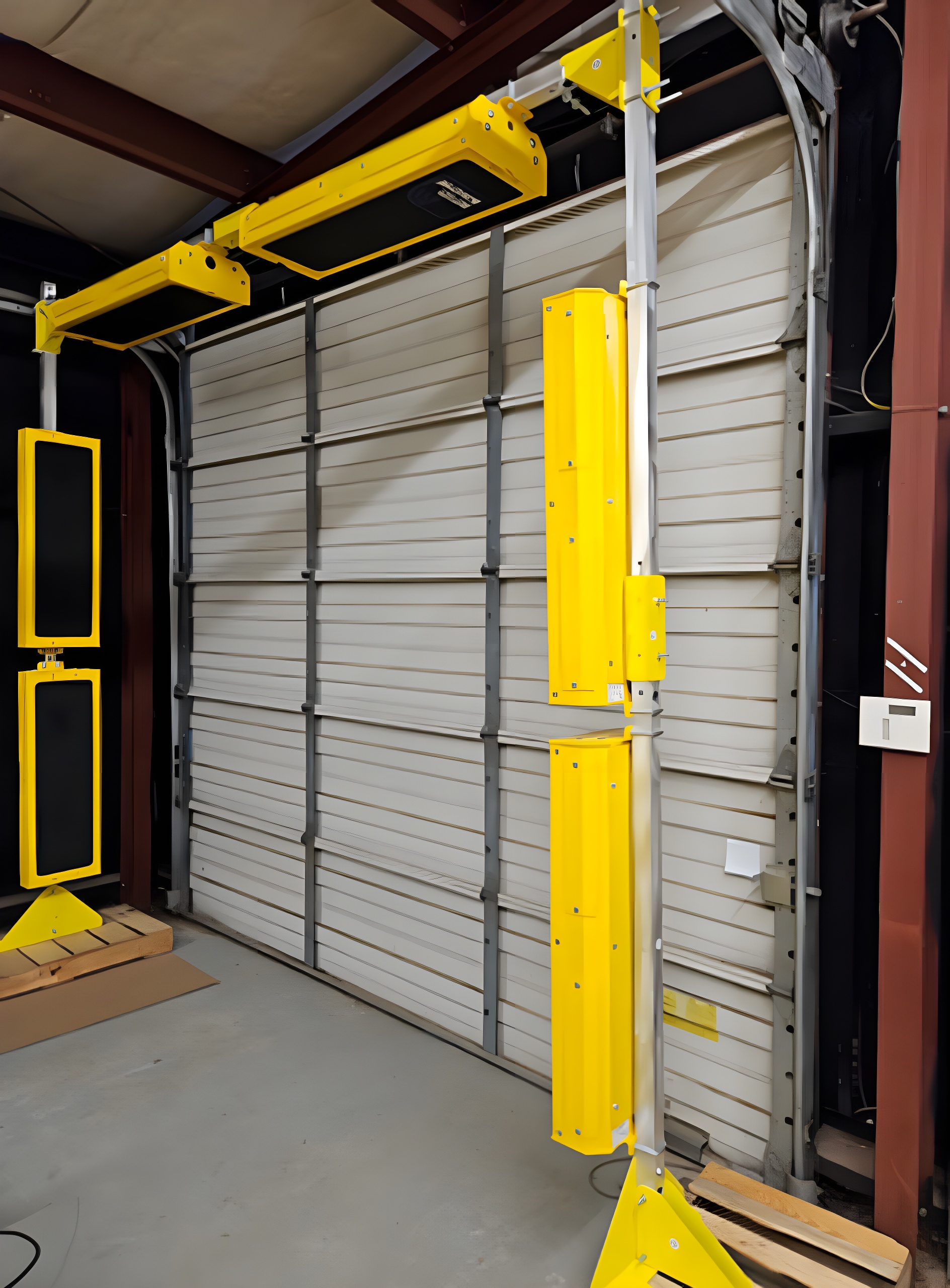
How an RFID System Works
RFID uses radio waves to identify and track tagged items without requiring the direct line-of-sight needed for traditional barcode scanning.
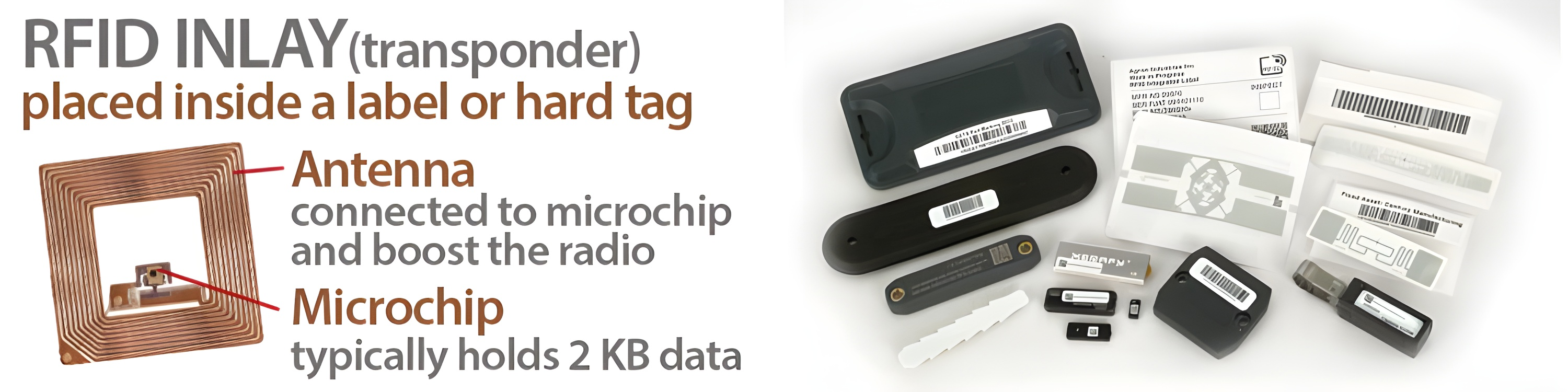
Tags and Inlays
A microchip and antenna store and transmit a unique identifier. The inlay may be placed inside an adhesive label or built into a durable hard tag.
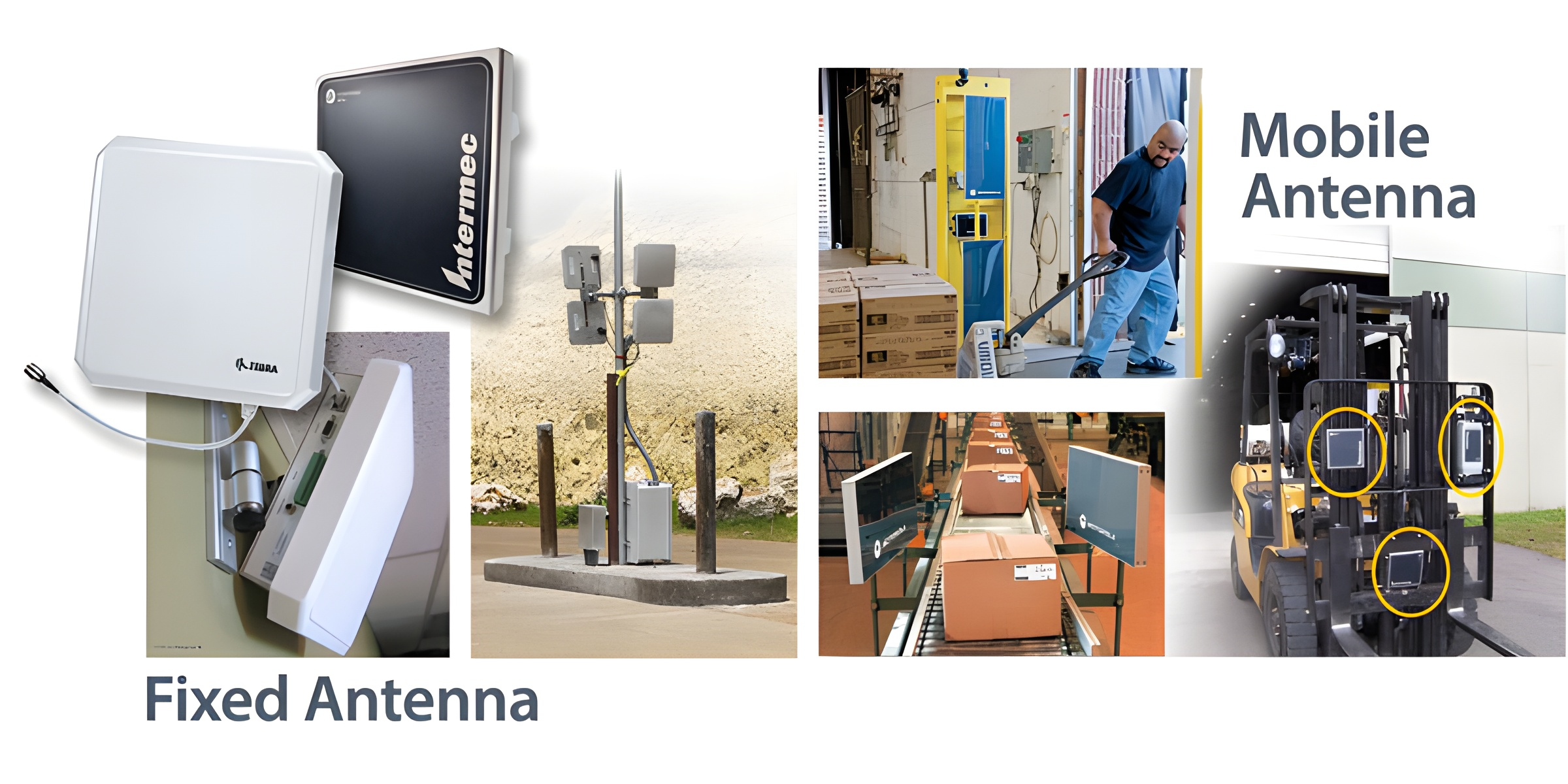
Antennas
Antennas create the read zone and direct radio signals toward tagged items. Placement can make or break system performance.
Readers
Fixed or handheld readers capture tag data and pass it to the next part of the system through wired or wireless connections.
Software
Software filters, organizes, and shares RFID data with systems such as ERP, WMS, inventory, or asset-tracking platforms.
Your RFID Implementation Roadmap
The exact process varies by application, but most successful implementations follow the same basic path from business problem to controlled rollout.
Define the Goal
Identify the problem you are solving, such as inventory accuracy, asset location, receiving speed, work-in-process visibility, or loss reduction.
Map the Workflow
Document where items move, who handles them, when data must be captured, and what should happen after a tag is read.
Review the Environment
Look at doors, docks, shelves, conveyors, forklifts, metal, liquids, read distances, network access, and other physical constraints.
Select Components
Match tags, labels, readers, antennas, printers, portals, and software to the items, environment, and read points involved.
Design the Data Flow
Decide how RFID data will be filtered, stored, displayed, and connected to ERP, WMS, inventory, or other business systems.
Run a Pilot
Test one zone, doorway, process, or asset group under real conditions before committing to a wider deployment.
Measure and Adjust
Review read rates, missed tags, duplicate reads, durability, data quality, employee workflow, and expected operational improvements.
Scale Carefully
Expand the system in controlled phases, update procedures, train users, and continue monitoring performance as the deployment grows.
The Physical Environment Matters
RFID performance changes based on where the system is installed and what the signal must travel through or around. A setup that works well in one warehouse may need different tags, antennas, or reader placement in another.
- Metal and liquids can affect radio frequency performance.
- Tag placement and orientation influence how consistently tags are read.
- Reader and antenna placement define the shape and strength of the read zone.
- Doors, docks, conveyors, shelves, vehicles, and nearby equipment can change results.
- Testing under real operating conditions helps expose problems before rollout.
Choose the Reader Around the Workflow
Fixed and handheld RFID readers solve different problems. Many operations use both.
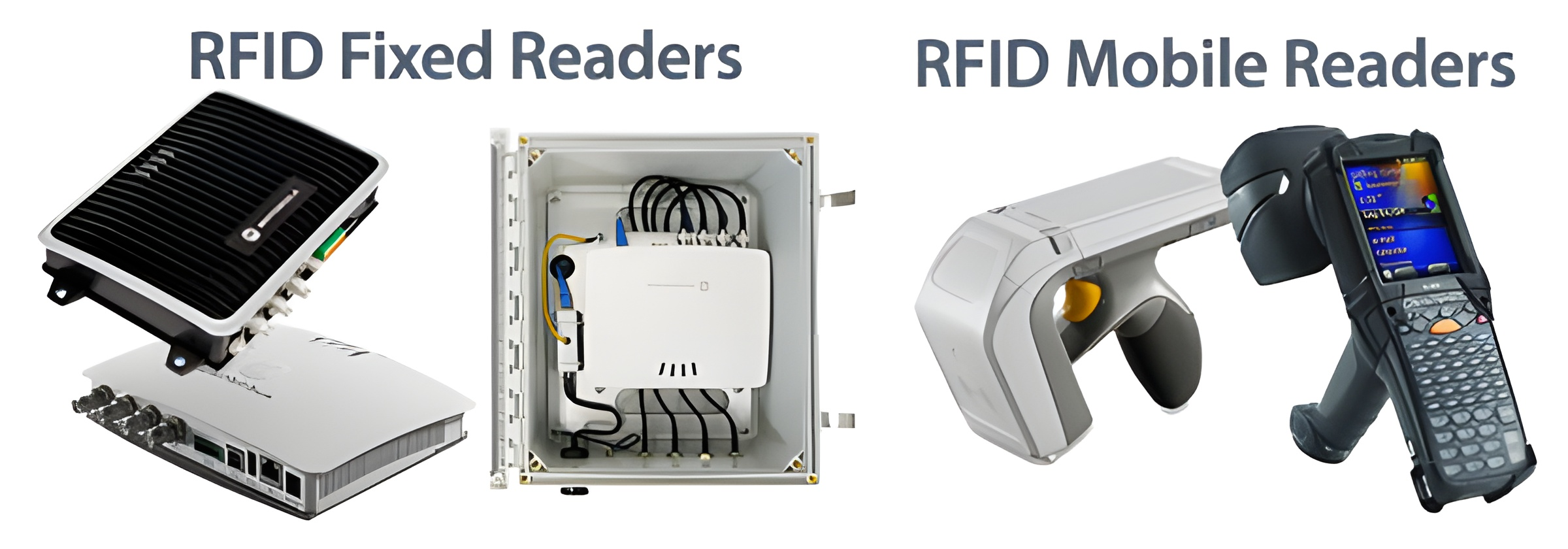
Fixed RFID Readers
Fixed readers are installed at repeatable read points such as doors, dock lanes, conveyors, portals, cabinets, or production stations. They are useful when reads need to happen automatically as items move through a process.
Explore Fixed RFID Readers →Handheld RFID Readers
Handheld readers support mobile inventory counts, item searches, asset audits, exception handling, and workflows where employees need to bring the reader to the item.
Explore Handheld RFID Readers →Turn RFID Reads Into Useful Information
A reader collecting tag data is only one part of the system. RFID software helps turn those reads into inventory updates, asset locations, alerts, reports, and other actions your team can use.
- Filter duplicate or unwanted reads.
- Connect RFID events with existing business rules.
- Share information with ERP, WMS, asset-tracking, or cloud platforms.
- Create alerts for movement, expiration, calibration, maintenance, or missing assets.
- Give employees mobile tools for inventory, lookup, and item location.
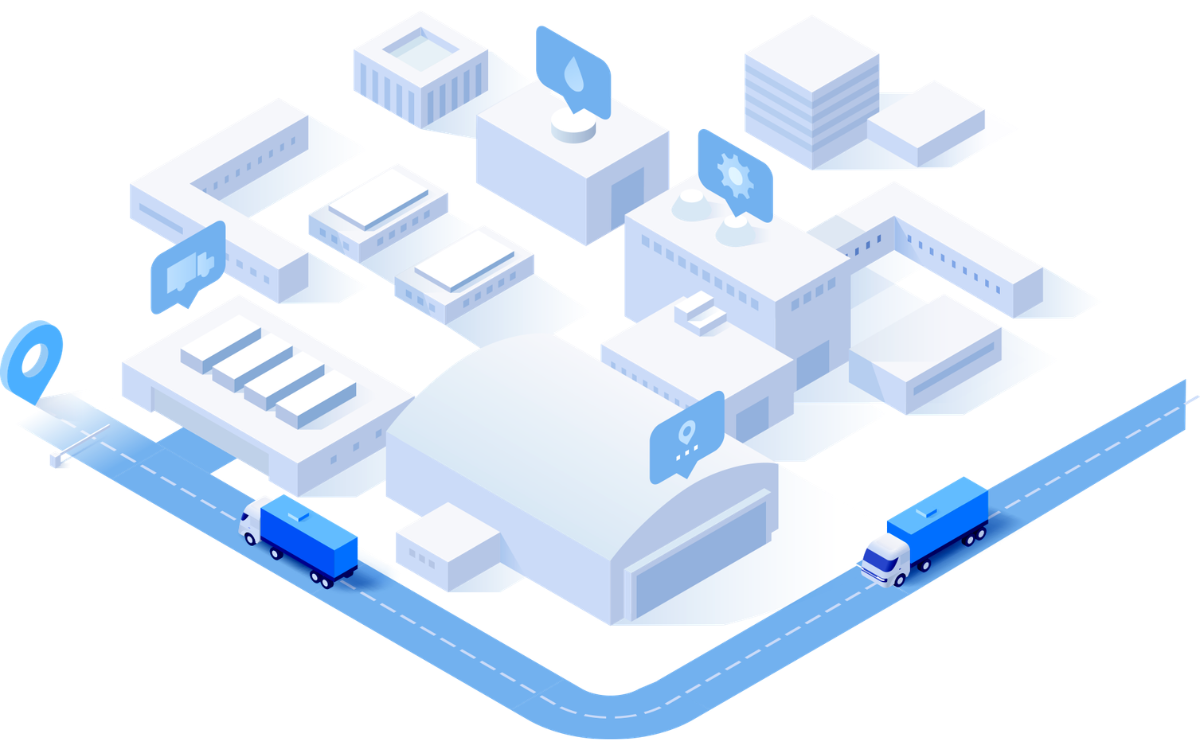
Pilot First. Scale Second.
A focused pilot gives you a controlled way to test read rates, tag durability, antenna placement, workflow changes, and data quality before expanding the system. Start with one doorway, zone, process, item type, or asset group, then use the results to refine the larger deployment.
What Affects RFID Implementation Cost?
There is no single RFID implementation price. Cost depends on the application, environment, number of read points, tag volume, software needs, and how much integration is required.
Tags and Labels
Tag type, durability, material compatibility, read range, encoding needs, and total volume can significantly affect cost.
Readers and Antennas
Fixed readers, handheld devices, portals, antennas, cables, mounts, and the number of read zones all contribute to the hardware investment.
Printers and Encoding
Some applications require RFID printers, verification, custom label construction, or preprinted and pre-encoded RFID labels.
Software and Integration
Middleware, applications, APIs, reporting, configuration, and connections to existing systems may add licensing and implementation costs.
Facility Conditions
Metal, liquids, long read distances, moving equipment, complex layouts, and difficult mounting locations may require specialized components.
Deployment Size
A single read point and a multi-site deployment have very different hardware, network, data, and support requirements.
Testing and Optimization
Time spent testing tags, placement, power levels, read zones, and workflows helps reduce costly changes after rollout.
Training and Maintenance
Employees need clear procedures, and the system may require ongoing monitoring, label supplies, repairs, software updates, and performance reviews.
Build the Right RFID System for Your Application
Explore the main hardware, labels, tags, and software categories that may be part of an RFID implementation.
RFID Printers
Print, encode, and verify RFID labels for inventory, assets, logistics, retail, and other applications.
Shop RFID Printers →Fixed RFID Readers
Automate tag capture at doors, docks, conveyors, portals, workstations, and other repeatable read points.
Shop Fixed Readers →Handheld RFID Readers
Support mobile inventory, item searches, audits, receiving, asset tracking, and exception workflows.
Shop Handheld Readers →RFID Portals
Create controlled read zones at doorways, dock doors, lanes, and other transition points.
Shop RFID Portals →RFID Antennas
Shape and direct RFID read zones around the movement, orientation, and location of tagged items.
Shop RFID Antennas →RFID Labels
Choose RFID label constructions matched to the item surface, environment, print method, and read requirement.
Shop RFID Labels →RFID Tags
Use durable RFID tags for assets, tools, equipment, containers, metal surfaces, and demanding environments.
Shop RFID Tags →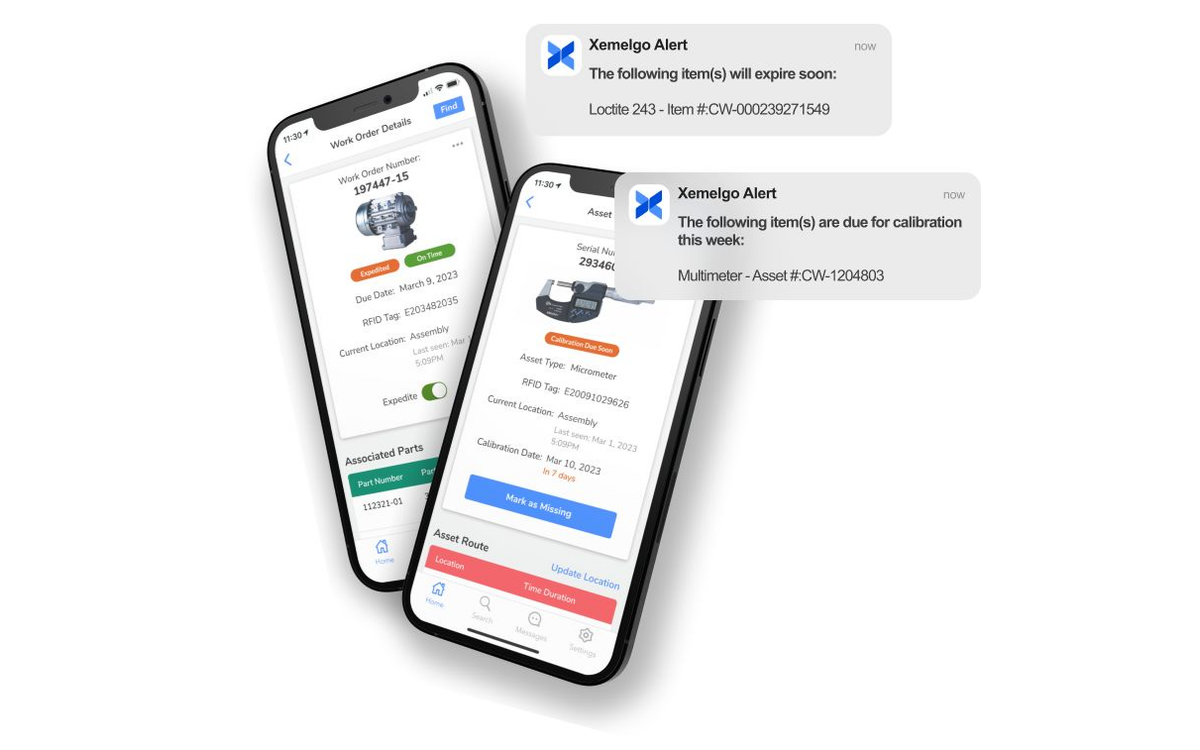
RFID Software
Convert RFID reads into inventory updates, asset locations, alerts, reports, and usable business data.
Explore RFID Software →Specialized RFID Solutions
Some implementations need custom labels, pre-encoding, portable read zones, or tags designed for reusable containers.
RFID Label Printing and Encoding
Outsource the printing and encoding of RFID labels when you need labels prepared before they reach your operation.
Explore RFID Encoding Services →Custom RFID Labels
Match the label construction, adhesive, inlay, size, print requirements, and durability to the application.
Explore Custom RFID Labels →Transition RFID Portals
Create an adjustable RFID read point for doors, aisles, dock areas, and other locations where tagged items move between zones.
View the Transition RFID Portal →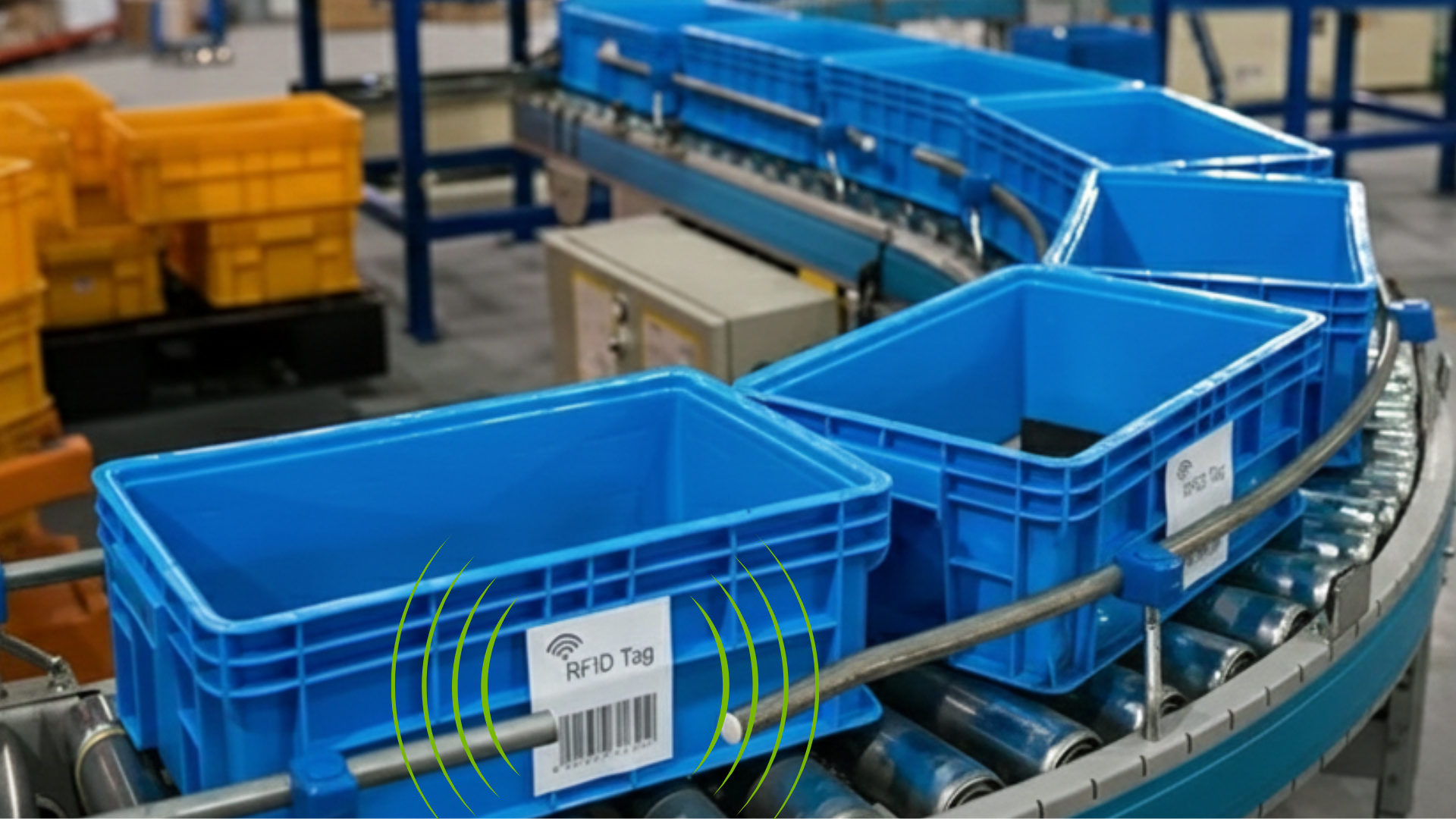
RFID Labels for Returnable Containers
Track reusable totes, bins, pallets, and other returnable transport items as they move through the supply chain.
Explore RFID Labels for RTIs →From Fortune 500 companies to your small business, 125,000+ companies trust our products, service, and support.












Our Top Partners
Barcode Factory is a premier partner with the industry's best hardware, media, and software providers. We offer our clients access to the industry's top products, services, and resources.
Shop by Brands





For more information or to discuss your project, Contact Us or call 888-237-8525.